
Yes, in most situations, CPU and processor mean the same thing. When someone talks about the processor inside a desktop computer, laptop, or server, they are almost always referring to the Central Processing Unit (CPU).
The confusion starts because the word processor is broader than CPU. A CPU is one kind of processor, but computers also contain other processors, such as graphics processors (GPUs), signal processors, and neural processors used for artificial intelligence tasks.
If someone asks, “What processor does your computer have?” they are usually asking about your CPU. If someone says, “My CPU is an Intel Core i7,” they are also talking about the processor.
For everyday computer use, the two words can safely be treated as the same.
Key takeaway: Every CPU is a processor, but not every processor is a CPU. The meaning depends on the context.
What Is a CPU?
CPU stands for Central Processing Unit. It is the main chip responsible for carrying out instructions from software and the operating system.
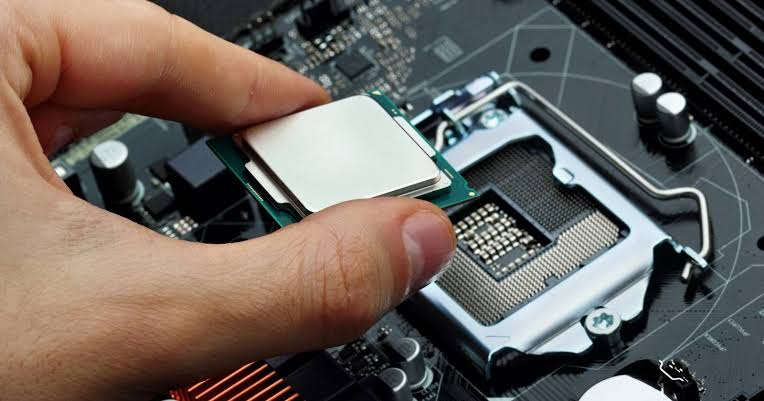
You can think of the CPU as the brain of a computer. It performs calculations, makes decisions, and coordinates the work of other hardware components.
Every time you:
- Open a web browser
- Launch a game
- Edit a photo
- Save a file
- Watch a video
the CPU is working behind the scenes to process instructions.
Modern CPUs can complete billions of calculations every second.
Companies such as Intel and AMD design CPUs for desktops, laptops, and servers. Apple also designs its own processors for Mac computers using Apple Silicon.
You can learn more about processor architecture from Intel’s official explanation:
https://www.intel.com/content/www/us/en/products/docs/processors/what-is-a-cpu.html
What Does Processor Mean?
A processor is any electronic chip that processes information.
That definition is much broader than CPU.
Examples include:
- Central Processing Unit (CPU)
- Graphics Processing Unit (GPU)
- Digital Signal Processor (DSP)
- Image Signal Processor (ISP)
- Neural Processing Unit (NPU)
Each processor is designed for a different job.
The CPU handles general computing tasks.
A GPU focuses on graphics and parallel calculations.
An NPU accelerates artificial intelligence workloads.
This is why engineers sometimes use the word “processor” differently from everyday computer users.
Why Are CPU and Processor Used Interchangeably?
Most personal computers contain one main processor that runs the operating system and applications.
Because that main processor is the CPU, manufacturers, retailers, reviewers, and everyday users often shorten “Central Processing Unit” to simply “processor.”
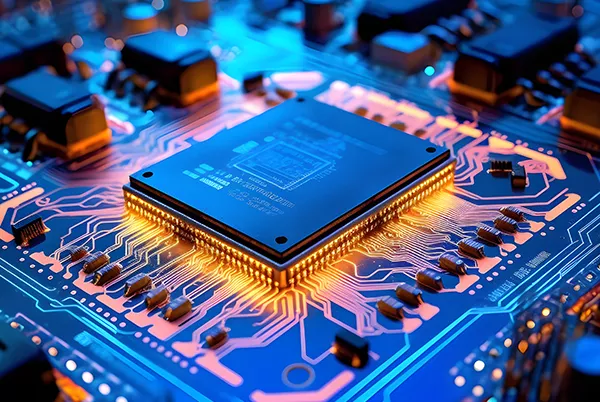
For example:
- Intel Core i5 Processor
- AMD Ryzen 7 Processor
- Apple M4 Processor
Each of these products includes a CPU as its primary computing component.
When shopping for a laptop, the processor listed in the specifications almost always refers to the CPU.
CPU vs Processor: Quick Comparison
| Feature | CPU | Processor |
| Full meaning | Central Processing Unit | Any chip that processes data |
| Specific or general? | Specific | General term |
| Main purpose | Runs operating system and programs | Depends on processor type |
| Used in everyday language | Yes | Yes |
| Can include GPU or AI chips? | No | Yes |
Why This Difference Matters
Understanding this small difference becomes useful when reading computer specifications.
A gaming laptop may advertise:
- Intel Core Ultra processor
- NVIDIA graphics processor
- AI neural processor
All three are processors, but only the Intel chip is the CPU.
Knowing this helps you understand what each piece of hardware actually does and prevents confusion when comparing computers.
How Does a CPU Work?
The CPU follows a repeating process called the fetch-decode-execute cycle.
It works like this:
- Fetch an instruction from memory.
- Decode what the instruction means.
- Execute the instruction.
- Store the result if needed.
- Repeat millions or billions of times every second.
Although each individual instruction is tiny, modern processors execute enormous numbers of them incredibly quickly.
This speed is measured in gigahertz (GHz), which represents billions of clock cycles per second.
What Are the Main Parts of a CPU?
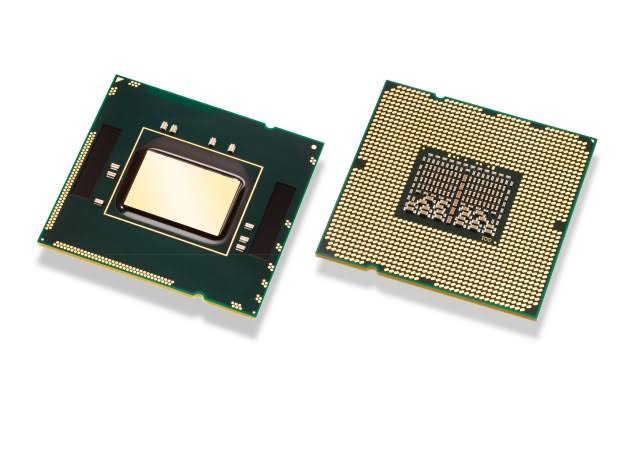
Although a CPU looks like a small square chip, it contains billions of microscopic transistors working together. Several major components allow it to process instructions efficiently.
Arithmetic Logic Unit (ALU)
The Arithmetic Logic Unit (ALU) performs mathematical calculations and logical operations. Whenever your computer adds numbers, compares values, or makes decisions, the ALU is doing the work.
Examples include:
- Adding numbers in a spreadsheet
- Comparing values in a program
- Performing calculations in games
- Solving mathematical formulas
Without the ALU, software couldn’t perform even the simplest calculations.
Control Unit (CU)
The Control Unit acts like a traffic manager. It directs the flow of instructions between the CPU, memory, and other hardware components.
Instead of performing calculations itself, it tells different parts of the computer what to do and when to do it.
Cache Memory
Cache is a very fast type of memory built directly into the CPU.
Rather than repeatedly retrieving data from the slower system RAM, the processor temporarily stores frequently used instructions in the cache. This greatly improves overall performance.
Most modern CPUs include multiple cache levels:
- L1 Cache: Smallest and fastest
- L2 Cache: Larger with slightly slower access
- L3 Cache: Shared across multiple cores
The larger and smarter the cache, the less time the CPU spends waiting for information.
CPU Cores
Older processors had only one core.
Today’s processors commonly include:
- Dual-core
- Quad-core
- Six-core
- Eight-core
- Twelve-core
- Sixteen-core
- Even higher core counts for professional workstations
Each core can process instructions independently, allowing the computer to handle several tasks simultaneously.
For example, you can edit photos, stream music, browse the internet, and run background updates at the same time because modern CPUs distribute workloads across multiple cores.
What Is a CPU Thread?
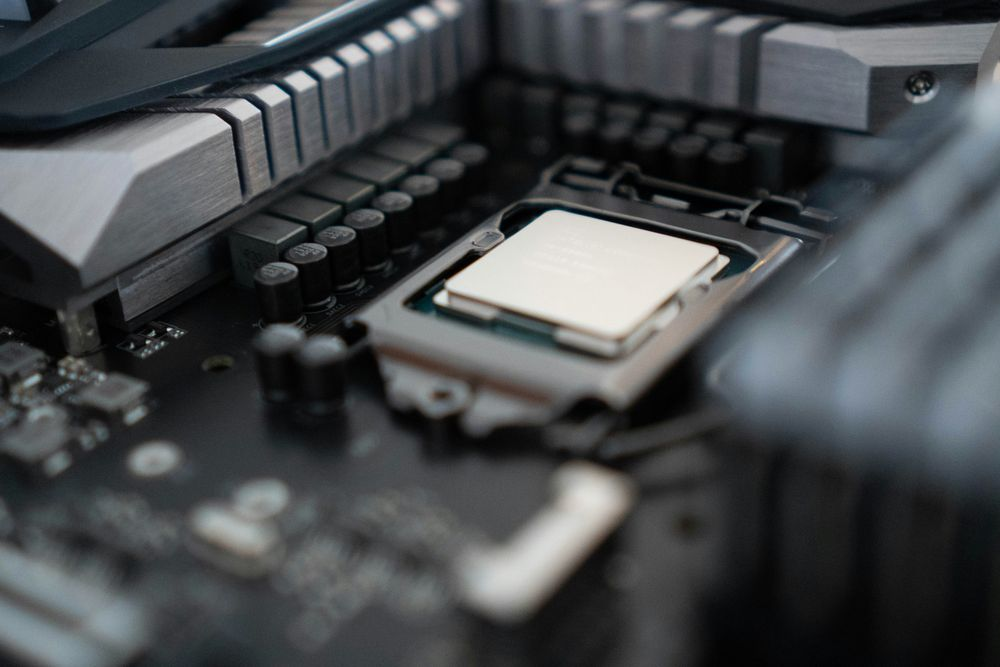
A thread is a virtual processing path inside a CPU core.
Many modern processors support technologies such as Intel Hyper-Threading or AMD Simultaneous Multithreading (SMT), allowing one physical core to handle two instruction streams at once.
For example:
| CPU | Cores | Threads |
| Intel Core i5 | 6 | 12 |
| AMD Ryzen 7 | 8 | 16 |
| Intel Core Ultra 7 | 16 | 22 (varies by model) |
More threads help improve multitasking and performance in applications that can use many processing tasks simultaneously.
Does Every Computer Have a CPU?
Yes. Every modern computer needs a CPU.
That includes:
- Desktop computers
- Laptops
- Gaming PCs
- Servers
- Tablets
- Smartphones
- Smart TVs
- Game consoles
- Smart home devices
Even very small electronic devices contain some type of processor to execute instructions.
The complexity simply varies depending on the device.
CPU vs GPU
The CPU and GPU work together, but they specialize in different kinds of processing.
| Feature | CPU | GPU |
| Main job | General computing | Graphics and parallel processing |
| Best for | Everyday programs | Gaming, video editing, AI |
| Number of cores | Usually fewer, more powerful | Hundreds or thousands of smaller cores |
| Flexibility | Very high | Designed for specific workloads |
A gaming computer depends on both.
The CPU manages the game’s logic, physics, and operating system tasks, while the GPU renders images and visual effects.
If either one is too weak, overall performance can suffer.
You can learn more about how processors work from the official Intel CPU guide:
https://www.intel.com/content/www/us/en/products/docs/processors/what-is-a-cpu.html
CPU vs Microprocessor
These terms are also closely related.
A microprocessor is a processor built onto a single integrated circuit.
Nearly every modern CPU is a microprocessor.
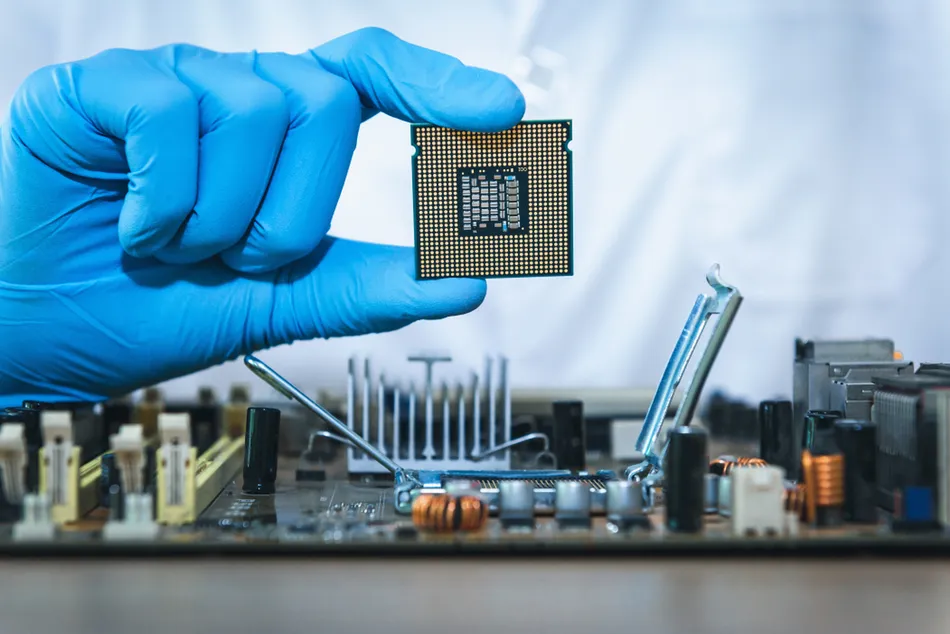
Years ago, CPUs were built from multiple separate chips. Advances in semiconductor technology allowed manufacturers to place the entire CPU onto one chip, creating what we now call a microprocessor.
Today, for most consumers, CPU and microprocessor effectively refer to the same hardware.
How to Choose the Right CPU
Buying the fastest processor isn’t always necessary. The best choice depends on how you use your computer.
For Web Browsing and Office Work
If your daily tasks include:
- Documents
- Streaming
- Video calls
- Web browsing
a modern entry-level or mid-range CPU is usually more than enough.
For Gaming
Gaming benefits from:
- Higher clock speeds
- Strong single-core performance
- Multiple cores
- A capable graphics card
Most modern games rely on both the CPU and GPU working together.
For Video Editing
Creative software often takes advantage of:
- More CPU cores
- Larger cache
- Higher thread counts
Video rendering, animation, and 3D modeling typically perform better on processors with many cores.
For Programming
Software development often involves compiling code, running virtual machines, and multitasking.
Developers generally benefit from processors with:
- Six or more cores
- Plenty of RAM
- Fast SSD storage
Common CPU Specifications Explained
When shopping for a computer, you’ll often see several specifications.
Here’s what they actually mean.
| Specification | Meaning |
| Clock Speed | How quickly the CPU performs operations |
| Core Count | Number of physical processing units |
| Thread Count | Number of simultaneous instruction paths |
| Cache | High-speed memory inside the CPU |
| TDP | Estimated heat and power usage |
| Architecture | The processor’s internal design generation |
Understanding these specifications helps you compare processors more effectively than simply looking at the model name.
Common Misunderstandings About CPUs
A few simple facts clear up most confusion.
- A CPU and processor usually mean the same thing when discussing personal computers.
- A processor is the broader technical term.
- A GPU is also a processor, but it is not a CPU.
- More cores do not automatically make a processor faster for every task.
- Clock speed alone does not determine performance. Modern processor architecture also plays a major role.
Real-World Examples
Understanding the difference between a CPU and a processor becomes much easier when you look at real devices.
Example 1: A Laptop
A laptop specification might say:
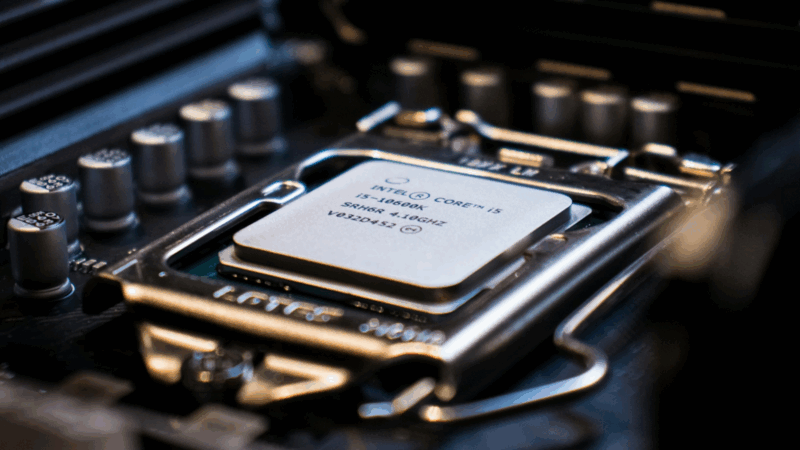
- Processor: Intel® Core™ Ultra 7 255H
- Memory: 16 GB RAM
- Storage: 1 TB SSD
Here, the word processor refers to the laptop’s CPU. The Intel Core Ultra chip is the main processor responsible for running Windows, opening applications, and managing everyday computing tasks.
Example 2: A Gaming PC
A gaming desktop might include:
- CPU: AMD Ryzen 7 9800X3D
- GPU: NVIDIA GeForce RTX 5080
Both chips are processors, but they have different jobs. The CPU handles game logic, physics, and background tasks, while the GPU renders graphics and visual effects.
Example 3: A Smartphone
Modern smartphones include several processors inside a single chip, such as:
- CPU
- GPU
- AI processor (NPU)
- Image Signal Processor (ISP)
When a phone advertises a powerful processor, it usually refers to the complete system-on-chip (SoC), which contains multiple specialized processors working together.
When Should You Care About the Difference?
For most people, you don’t need to worry about the technical distinction.
If you’re:
- Buying a laptop
- Comparing desktop computers
- Reading product specifications
- Shopping for a CPU upgrade
the terms CPU and processor almost always refer to the same component.
Understanding the broader meaning of “processor” becomes more important if you’re learning computer engineering, building PCs, or reading detailed hardware documentation.
Frequently Asked Questions
1. Is every CPU a processor?
Yes. Every CPU is a processor because it processes instructions. However, not every processor is a CPU. Graphics processors (GPUs), neural processors (NPUs), and digital signal processors (DSPs) are processors designed for specialized tasks.
2. Why do laptop specifications say “processor” instead of CPU?
Manufacturers use the word processor because it is simpler for most buyers. In nearly all consumer computer specifications, the listed processor is the CPU.
3. Is a GPU considered a processor?
Yes. A GPU, or Graphics Processing Unit, is a type of processor designed for graphics rendering and parallel computing. It complements the CPU rather than replacing it.
4. Can a computer work without a CPU?
No. Every modern computer requires a CPU or an equivalent processing unit to execute instructions. Without it, the operating system and applications cannot run.
5. Which is more important, the CPU or the GPU?
It depends on what you do. The CPU is essential for all computing tasks, while the GPU is especially important for gaming, video editing, 3D rendering, and AI workloads. A balanced system with both a capable CPU and GPU delivers the best overall performance.
Conclusion
Yes, CPU and processor usually mean the same thing when discussing desktop computers, laptops, and most consumer devices. A CPU is the computer’s main processor, responsible for executing instructions and running programs. The word processor is broader because it can also describe chips such as GPUs, AI processors, and signal processors. For everyday conversations and computer shopping, treating the CPU as the processor is accurate and easy to understand.
Recommended Articles: