
That’s why two players with the same graphics card can get very different results. One runs competitive settings and hits a wall at 200 FPS because the processor can’t keep up. The other runs Epic settings with ray tracing, and the graphics card sits at 99 percent the whole match.
Fortnite is CPU heavy at 1080p with low settings or Performance mode, and GPU heavy once you turn on DirectX 12 features like Nanite and Lumen or play at 1440p and 4K. The game doesn’t lean hard one way on its own. Your settings decide which part of your PC sets the frame rate.
If the CPU is the limit
Below you’ll see what each part does in Fortnite, which settings push the load where, how to find your own bottleneck in about five minutes, and which upgrade will actually raise your frame rate.
Quick answer: If you play at 1080p and chase 144 to 240+ FPS, the CPU matters most. If you play at a high resolution with Lumen and other Epic settings on, the GPU matters most.
What does the CPU do in Fortnite?
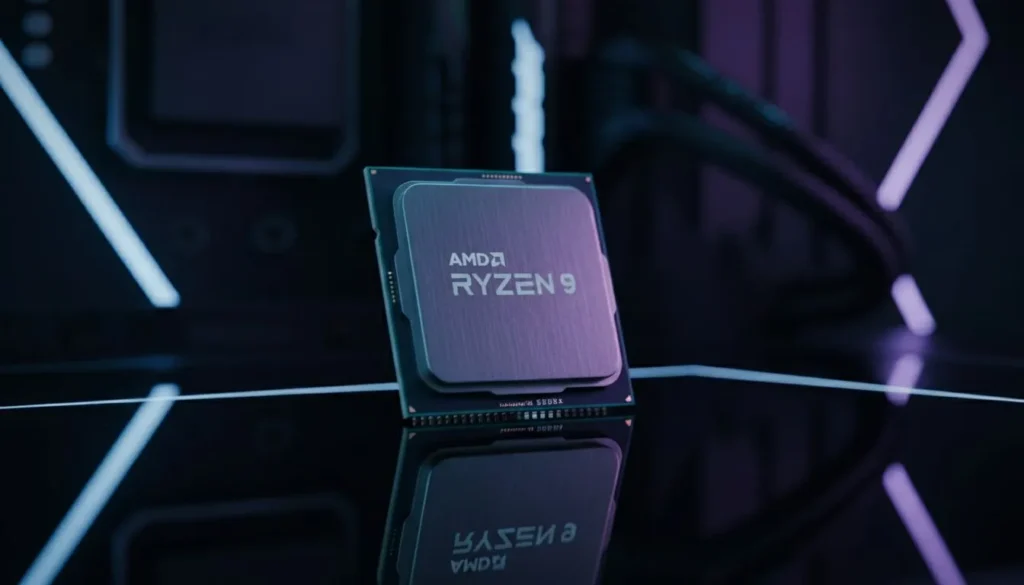
The CPU runs the game and prepares every frame before the GPU draws it. In Fortnite, that’s a big job. Every frame, the processor tracks up to 100 players, every shot and explosion, every wall and ramp being built or destroyed, and the part of the map loading in as you move.
It also sends the graphics card its instructions. These are called draw calls, which is just the CPU telling the GPU “draw this object here.” A build fight full of walls, ramps, and edits means a lot of draw calls in a very short time.
Why core speed beats core count
Fortnite doesn’t spread its work evenly across all your cores. A couple of main threads do most of the heavy lifting, so when the game is CPU-bound, one or two cores often sit near 100 percent while the rest stay fairly idle.
That’s why a newer six-core chip with fast cores usually beats an older eight-core chip in this game. It’s also why Task Manager can show total CPU use of only 30 or 40 percent while your processor is still the thing holding you back.
Why high frame rates expose the CPU
The CPU’s job per frame doesn’t shrink much when you lower graphics settings. The GPU’s job does. So as you chase higher FPS, the time the CPU has for each frame gets tiny:
| Target FPS | Time per frame |
| 60 | 16.7 ms |
| 144 | 6.9 ms |
| 240 | 4.2 ms |
| 360 | 2.8 ms |
At 60 FPS almost any recent processor keeps up. At 240 FPS, the CPU has about a quarter of the time, and only fast chips can finish their work that quickly every single frame.
You feel this most in three moments: the drop at the start of a match, crowded build fights, and late-game circles packed with players and builds. If your FPS falls hard in those moments while your GPU usage also drops, the CPU is the limit. Fast dual-channel RAM helps here too, and Epic lists 16 GB as its recommended amount.
When does Fortnite become GPU heavy?
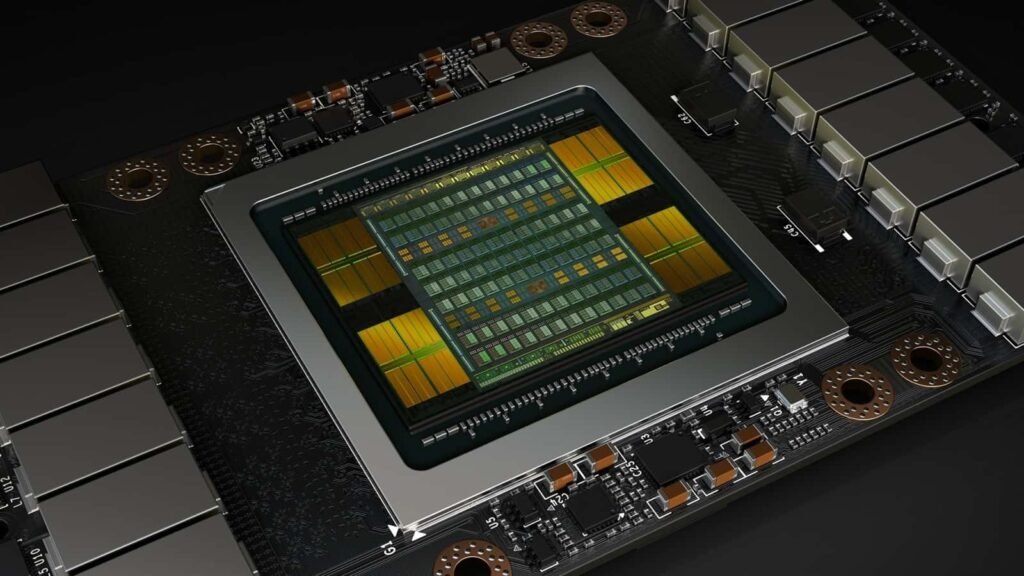
Fortnite turns GPU heavy the moment you raise the resolution or switch on its Unreal Engine 5 features. These features came to Battle Royale with Chapter 4 in December 2022, and they ask a lot of the graphics card:
- Nanite draws extremely detailed geometry. Buildings are made of millions of polygons, and a single tree has around 300,000.
- Lumen adds real-time global illumination (light bouncing between surfaces) and high-quality reflections on glass, metal, and water.
- Virtual Shadow Maps let every brick, leaf, and hat cast its own shadow.
- Hardware Ray Tracing makes Lumen use your card’s ray tracing cores for even more accurate light.
All of these need DirectX 12, and they stack. Lumen only shows up as an option once Nanite is on, and Hardware Ray Tracing needs Nanite plus Lumen set to High or Epic. Nanite also can’t be changed mid-match, so you have to set it in the lobby. Epic’s Unreal Engine 5 notes for Fortnite list an RTX 2080 or RX 5700 as the recommended starting point for running Nanite well.
Resolution is pure GPU work
Every extra pixel is more work for the graphics card and almost none for the processor. 1440p has about 1.8 times the pixels of 1080p, and 4K has four times as many. That’s why a PC that’s CPU-bound at 1080p can become GPU-bound at 1440p with no other change.
Don’t forget video memory
Epic’s own spec for Epic quality settings asks for 8 GB of VRAM. If your card runs out, textures spill into slower system memory, and you get stutters and blurry surfaces even when average FPS looks fine. Cards with 4 to 6 GB are happier on Medium textures with Lumen off.
Which settings make Fortnite CPU heavy or GPU heavy?
Your rendering mode and quality preset decide most of the split. Rendering mode sits in the Display section of the Video settings. Here’s how the common setups load your PC:
| Setup | Typical resolution | Main limit | Good for |
| Performance mode (“Performance – Lower Graphical Fidelity”) | 1080p | CPU | Competitive play, 144 to 360 Hz monitors, weaker GPUs |
| DirectX 12, Low to Medium, Nanite off | 1080p | CPU at high FPS, balanced below 144 FPS | Players who want a cleaner image but still high FPS |
| DirectX 12, High or Epic, Nanite and Lumen on | 1080p to 1440p | GPU | Casual play and best visuals |
| DirectX 12, Epic, Hardware Ray Tracing on | 1440p to 4K | GPU and VRAM | High-end cards, screenshots, content creation |
Performance mode simplifies models and effects so the graphics card has very little to do. That’s great for frame rate, but it also means the processor becomes the ceiling almost right away. With a strong card in Performance mode, dropping from 1080p to 720p often gives you no extra FPS at all, because the GPU was never the thing slowing you down.
DirectX 12 has one CPU quirk to know about. It builds shaders (small programs the GPU runs) on your processor, and it does this the first time it sees new effects. After a game update you may get stutters for your first match or two. That’s normal, and it settles down once the shaders are built.
How do you check if your PC is CPU or GPU bottlenecked in Fortnite?
Watch your GPU usage during a real match. If it stays at 95 to 99 percent, your graphics card is the limit. If it sits well below that while your FPS is under your target, your processor is the limit. Here’s a quick way to check:
- Remove the frame cap. In Fortnite’s Video settings, set Frame Rate Limit to Unlimited (or well above your goal) and turn VSync off. Otherwise the cap is your limit and the test tells you nothing.
- Turn on an overlay. Press Win + G to open the Windows Game Bar and pin the Performance widget, which shows CPU, GPU, VRAM, and FPS. For per-core CPU use, MSI Afterburner with RivaTuner works well.
- Play a real match. The lobby and empty Creative maps are too light to show anything. Watch the numbers during the drop, a build fight, and the late game.
- Read GPU usage first. Steady 95 to 99 percent means GPU-bound. Around 50 to 80 percent with low FPS means CPU-bound, even if total CPU use looks low. Check whether one or two cores are pinned near 100 percent.
- Do the resolution test. Drop 3D Resolution to 50 percent (or set Temporal Super Resolution to Performance). If FPS jumps a lot, the GPU was the limit. If FPS barely moves, it’s the CPU.
Tip: Look at your lowest FPS in fights, not your average in quiet moments. A CPU limit usually shows up as sharp drops and stutter during build fights, while a GPU limit shows up as a lower but steadier frame rate everywhere.
How do you fix a CPU or GPU bottleneck without upgrading?
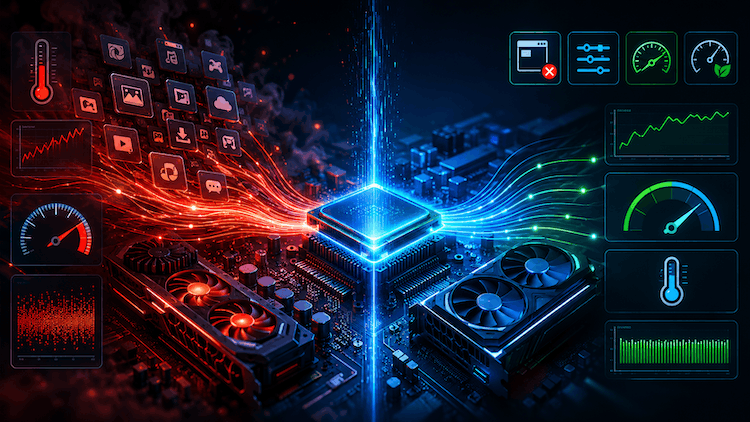
Take load off whichever part your test flagged. The two fixes are different, so it pays to know which one you have before you start changing things.
If the GPU is the limit
This is the easier case, because most of Fortnite’s graphics settings land on the GPU. In rough order of how much they help:
For a sense of scale, here’s what Epic’s official Fortnite PC requirements list for each tier:
- Turn off Hardware Ray Tracing.
- Set Global Illumination and Reflections below Lumen, or turn them off.
- Turn off Nanite, or switch to Performance mode for the biggest jump.
- Lower 3D Resolution, or use an upscaler: Temporal Super Resolution on any card, or DLSS on Nvidia RTX cards.
- Lower Shadows, Effects, and Post Processing.
There are fewer settings that help the CPU, so the fixes are more about your system. Lowering View Distance cuts the number of objects the processor has to handle. Close browsers, launchers, and recording tools you don’t need while playing. Make sure your RAM runs at its rated speed by turning on XMP (Intel) or EXPO (AMD) in your BIOS, and that it’s in dual-channel mode with two sticks.
It also helps to cap your frame rate just below the point where it starts to bounce around. A steady 165 FPS feels smoother than a frame rate jumping between 140 and 240, and it gives the CPU a little room in heavy fights.
One thing that won’t help is cranking up graphics to “use” a GPU that sits at 60 percent. That gives you nicer visuals for free, but it can’t raise a frame rate the processor is capping.
Should you upgrade your CPU or GPU for Fortnite?
Upgrade the part your test showed as the limit, and match it to how you play. Spending on the wrong part is the most common way to waste money on a Fortnite PC, because the new part just ends up waiting on the old one.
Upgrade the CPU first if you play at 1080p, use Performance mode or low settings, own a 144 Hz or faster monitor, and see GPU usage well under 90 percent in fights. A processor three or more generations old paired with a modern card is the classic case. Look for strong per-core speed rather than the most cores; a modern six- or eight-core chip is plenty.
Upgrade the GPU first if you play at 1440p or 4K, want Nanite and Lumen on, or your card sits at 99 percent. The same goes for integrated graphics or anything older than a GTX 960, which is Epic’s recommended card. For Epic settings, aim for 8 GB of VRAM or more.
| Tier | CPU | GPU | RAM |
| Minimum | Intel Core i3-3225 | Intel HD 4000 or AMD Radeon Vega 8 | 8 GB |
| Recommended | Intel Core i5-7300U or AMD Ryzen 3 3300U | Nvidia GTX 960 or AMD R9 280 (2 GB VRAM) | 16 GB |
| Epic quality | Intel Core i7-8700 or AMD Ryzen 7 3700X | Nvidia RTX 3070 or AMD RX 6700 XT (8 GB VRAM) | 16 GB |
These tiers describe a playable experience, not a competitive one. Hitting a steady 240 FPS in Performance mode takes a much faster processor than the i7-8700 listed for Epic quality, while the GPU demands for that goal stay fairly modest. The reverse is true for 1440p with Lumen, where the graphics card does almost all the work and a mid-range CPU keeps up fine.
Frequently asked questions
Does a better CPU increase FPS in Fortnite?
Yes, when your processor is the limit. At 1080p in Performance mode or on low settings, a faster CPU often raises both average FPS and the lows in build fights. If your GPU already sits at 99 percent, a new CPU will add very little.
Why is my GPU usage low in Fortnite?
Low GPU usage usually means the CPU can’t prepare frames fast enough, or a frame cap or VSync is holding things back. Remove the cap first. If usage stays low while FPS is under your target, you have a CPU bottleneck.
Is Performance mode easier on the CPU or the GPU?
It’s much easier on the GPU. Performance mode strips back models and effects so the graphics card has little to do, which makes the processor the main limit. That’s why fast CPUs matter most for competitive players using this mode.
How much RAM does Fortnite need?
Epic lists 8 GB as the minimum and 16 GB as recommended. Use two sticks in dual-channel mode at their rated speed, because memory speed affects the CPU side of performance, especially at high frame rates.
Is 1440p Fortnite CPU or GPU bound?
Mostly GPU bound. 1440p has about 1.8 times the pixels of 1080p, so the graphics card does far more work per frame. With Lumen or Nanite on, the GPU is almost always the limit at this resolution.
Conclusion
Fortnite is CPU heavy at 1080p in Performance mode or on low settings, and GPU heavy with DirectX 12, Nanite, Lumen, ray tracing, or high resolutions. Before you buy anything, uncap your frame rate, play a real match, and watch GPU usage. Near 99 percent means upgrade the graphics card. Well below that with low FPS means upgrade the processor. A well-matched PC keeps the GPU busy and holds steady frames even in late-game build fights.
Read more
Is CPU the Same as Processor? A Simple Guide to Understanding the Difference