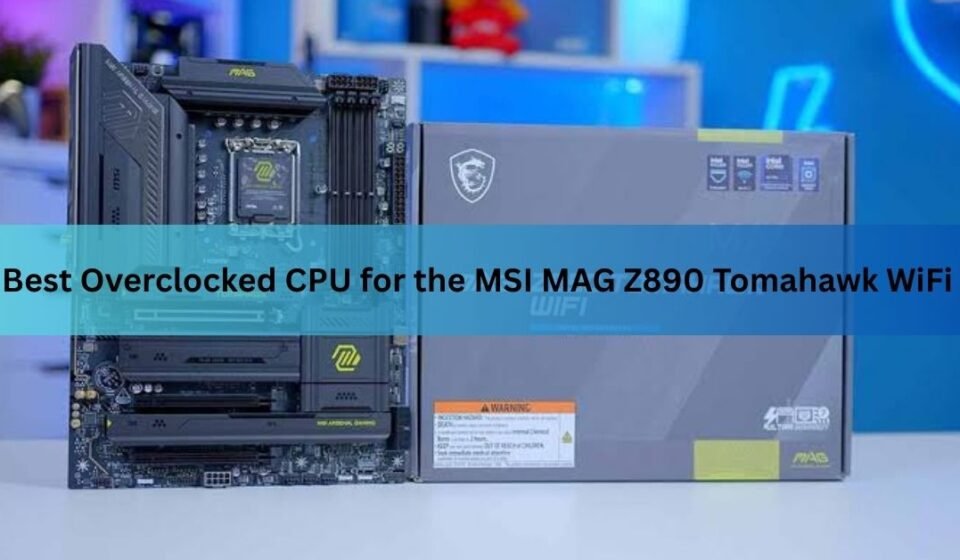

The MSI MAG Z890 Tomahawk WiFi pairs best with an unlocked Intel Core Ultra K-series chip, and the Core Ultra 7 270K Plus is the sharpest pick for most people. It gives you near-flagship muscle at a mid-range price, and the board’s Z890 chipset is the only one in Intel’s 800-series lineup that lets you overclock at all. If you bought a cheaper B860 or H810 board, that door stays shut.
This guide covers which CPUs drop into the board, which one to pick for tuning, and what overclocking really delivers on Intel’s Arrow Lake chips. Spoiler: the headline gains come from memory and fabric tuning, not from chasing core megahertz.
Which CPUs fit the MAG Z890 Tomahawk WiFi
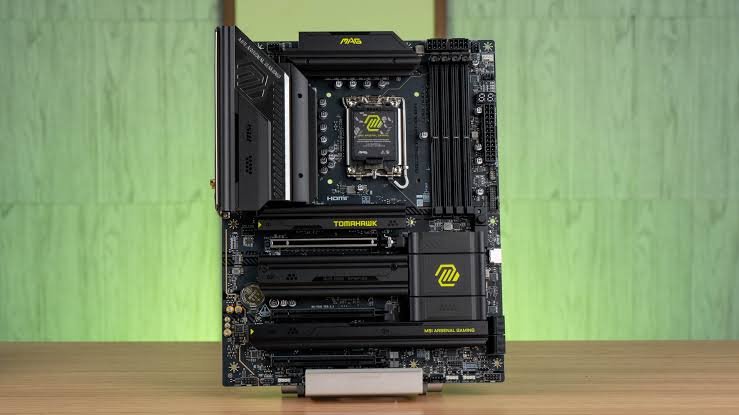
The board uses Intel’s LGA 1851 socket and the Z890 chipset, so it works only with Intel Core Ultra 200S desktop processors. Older 12th, 13th, and 14th Gen chips do not fit, because they use the previous LGA 1700 socket. For overclocking, you also need an unlocked chip, which Intel marks with a K (or KF for versions without integrated graphics).
Here is the unlocked shortlist that matters for tuning, split between the first Arrow Lake wave and the 2026 refresh:
- Core Ultra 9 285K – 8 P-cores plus 16 E-cores, the original flagship.
- Core Ultra 7 265K / 265KF – 8 P-cores plus 12 E-cores, the value-performance sweet spot at launch.
- Core Ultra 5 245K / 245KF – 6 P-cores plus 8 E-cores, the budget unlocked option.
- Core Ultra 7 270K Plus – the refresh chip, now 8 P-cores plus 16 E-cores, matching the 285K’s core count.
- Core Ultra 5 250K / 250KF Plus – the refreshed mid-tier, 6 P-cores plus 12 E-cores.
The non-K chips (such as a plain Core Ultra 5 240 or 225) will run on this board, but you cannot overclock the cores on them. They are fine if you just want the platform and its connectivity. They are not the chips to buy if tuning is the goal.
| Quick note A BIOS update may be needed before a newer CPU, like the 270K Plus, will boot. Check MSI’s support page for your board and flash the latest firmware first if you are buying a refresh chip. |
The best overclocked CPU for this board
For the best balance of price and performance, the Core Ultra 7 270K Plus is the chip to get. It carries the same 8 P-core, 16 E-core layout as the flagship 285K and the same 36 MB of L3 cache, but it launched at a lower price. Intel pitched it as its fastest gaming desktop processor, and in multi-threaded work, it trades blows with the more expensive 285K while drawing similar power. For a tuning-focused build on this board, that is the one to beat.
If you are shopping the original Arrow Lake stock, the Core Ultra 7 265K is the smart buy. It sits a small step behind the 285K, overclocks the same way, and often shows up heavily discounted. The flagship Core Ultra 9 285K still makes sense if you want maximum cores for rendering or heavy multitasking and can find it near the price of the 270K Plus, but it is a harder sell at full price.
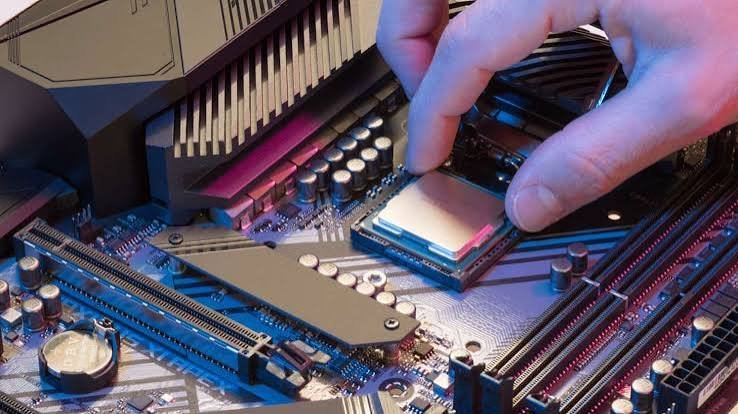
On a budget, the Core Ultra 5 250K Plus gives you 18 cores and native faster memory support for a lot less money. It is the right call for a gaming-first system where you do not need the extra E-cores for content work.
One detail that tips the scales toward the refresh chips: they officially support faster memory out of the box, up to DDR5-7200 natively, where the original chips topped out lower. Since memory is the biggest performance lever on this platform, a chip that runs popular high-speed kits at full rated speed on a simple profile is doing you a favour.
| Bottom line: Most builders should grab the 270K Plus. Hunting a deal on last year’s stock? The 265K delivers almost the same tuning experience for less. |
How the K-series chips compare
All five unlocked chips overclock through the same Arrow Lake tools, so the differences come down to core count, cache, and price. Here is how the main options line up:
| CPU | Cores (P+E) | Max P-core | L3 cache | Best for |
| Core Ultra 9 285K | 8 + 16 | 5.7 GHz | 36 MB | Max cores, heavy rendering |
| Core Ultra 7 270K Plus | 8 + 16 | 5.5 GHz | 36 MB | Best all-round value |
| Core Ultra 7 265K | 8 + 12 | 5.5 GHz | 30 MB | Best deal on launch stock |
| Core Ultra 5 250K Plus | 6 + 12 | 5.1 GHz | 30 MB | Budget gaming builds |
| Core Ultra 5 245K | 6 + 8 | 5.2 GHz | 24 MB | Cheapest unlocked entry |
Clock speeds are stock maximums; real overclocked clocks land close to these, as explained below.
What overclocking actually gets you on Arrow Lake
Here is the honest part. The P-cores on these chips have very little headroom and barely respond to extra voltage. The 285K already ships near its ceiling, with a default maximum voltage around 1.4V and almost no scaling above it. Pushing a non-favoured core from 5.5 GHz to 5.7 GHz is roughly the whole story for the cores, and that nets you a couple of per cent at most.
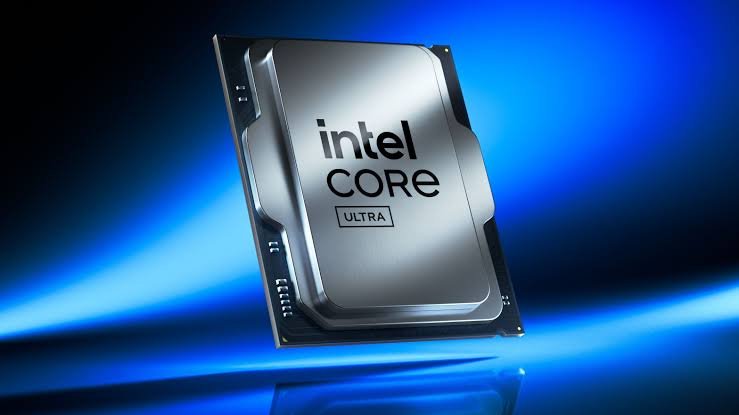
The real gains lie elsewhere. Three levers move the needle on this platform:
- Memory speed and timings. This is the single biggest lever. Going from stock to tuned DDR5 can add tens of per cent of bandwidth and cut latency sharply.
- Fabric clocks (die-to-die and the memory controller). Raising these interconnect speeds reduces the latency penalty Arrow Lake pays when its tiles talk to each other.
- E-core frequency. The efficiency cores respond better to tuning than the P-cores and add useful multi-threaded throughput.
The Ring (the internal interconnect) tops out around 4.2 GHz and barely affects performance, so it is not worth chasing. What makes Arrow Lake interesting is that memory, fabric, and E-core tuning all stack, so small wins across several settings add up to a real difference in frame pacing and responsiveness.
There is a thermal reason behind the limited core scaling, too. Each core sits behind a small internal voltage regulator, and at high current, those regulators shed power as heat. Push the cores hard, and you spend your thermal budget on losses rather than clock speed.
So a realistic target is not a big number on the core multiplier. It is a system that boots fast DDR5, runs a tuned fabric, holds a light undervolt, and stays cool under load. That combination is what closes the gap with the platform’s main rivals in games, and it is well within reach on this board.
| Reality check: Do not buy this platform expecting big core-clock overclocks. Buy it knowing that memory and fabric tuning, which this board handles well with up to DDR5-9200 support, is where the speed comes from. |
Intel 200S Boost: the easy one-click route
If you want most of the benefits without learning every BIOS menu, use Intel 200S Boost. It is a factory-approved overclocking profile for unlocked 200S chips on Z890 boards, and crucially, it keeps Intel’s three-year processor warranty intact. You can read the official details on Intel’s 200S Boost page.
Turning it on raises the System-on-Chip fabric clock from 2.6 GHz to as much as 3.2 GHz, lifts the die-to-die interconnect from 2.1 GHz to up to 3.2 GHz, and pushes supported memory from a stock 6,400 MT/s up to 8,000 MT/s. It does all of this inside safe voltage limits, with system agent voltage held at or below 1.20V. In testing on a 285K, the profile produced gaming gains in the rough range of 6 to 16 per cent at 1080p, depending on the title.
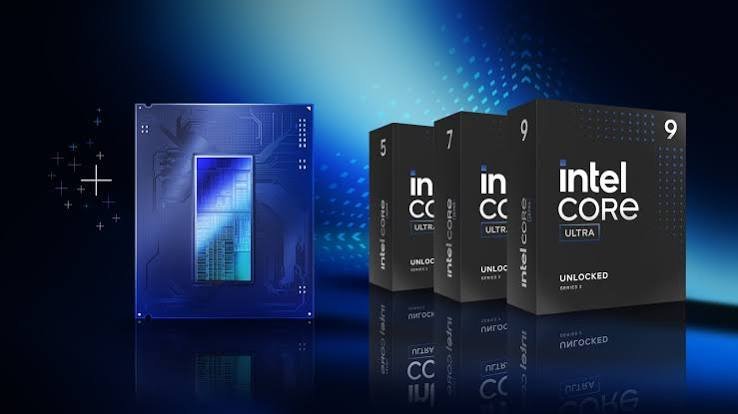
Setup is genuinely simple. MSI walks through it on its own site, and the short version is:
- Update the BIOS to a version that lists 200S Boost support for your board.
- Enter the BIOS and, from the EZ Mode page, enable the Intel 200S Boost option.
- Confirm the prompt that XMP will be turned on, then save and exit.
- Test stability with a stress tool like Cinebench while watching temperatures and voltages.
One catch worth knowing: after you enable 200S Boost, MSI Center’s separate CPU performance tuning features stop working, since the profile takes over. If a kit faster than 8,000 MT/s is installed, the profile will run it at 8,000 to stay within spec. MSI’s guide to enabling 200S Boost lists the validated memory kits, which is worth checking before you buy RAM.
Manual tuning in the MSI BIOS
If you want to go past the one-click profile, the MAG Z890 Tomahawk WiFi gives you full control through MSI’s Click BIOS X. You do not need an expensive board for this; the Tomahawk’s power delivery is built to handle a tuned Core Ultra chip. A sensible order looks like this:
- Raise the power limits first. Use MSI’s Performance Preset to lift the power ceiling so the chip can hold its boost clocks under load.
- Enable your memory profile (XMP). This is the biggest free win. It runs your RAM at its rated speed instead of a slow default.
- Tune the fabric. Increase the die-to-die and memory-controller (NGU) ratios for lower latency, nudging system agent voltage only as needed.
- Tighten memory timings. Once the kit is stable at speed, manually tuning primary and secondary timings adds more bandwidth and cuts latency further.
- Undervolt the cores. Apply a small negative voltage offset to the P-cores. This lowers temperatures and power without costing performance, which on this platform is the practical goal.
After each change, run a short stress test and watch for errors before pushing further. Stability testing is the slow part of Arrow Lake tuning, because different workloads stress the chip in different ways, so test with more than one tool.
Cooling, power, and memory for a stable overclock
The good news on cooling is that Arrow Lake runs cooler and draws less power than the 13th and 14th-gen chips it replaced. A solid 240mm or 360mm liquid cooler, or a strong dual-tower air cooler, is plenty for a tuned Core Ultra chip. A 285K at full power can pull around 250W in heavy all-core work, so do not pair it with a budget cooler, but you do not need exotic cooling either.
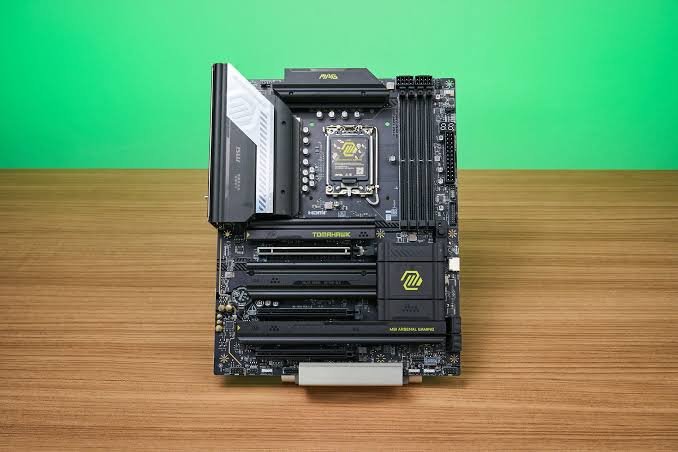
One thing to watch: tuning the fabric and memory controller raises temperatures more than the core overclock does. Builders have seen all-core temperatures climb from the high 70s into the 90s Celsius once they push those interconnect clocks. Keep an eye on it and back off if you run hot.
On the power side, the board uses dual 8-pin EPS connectors, and both must be plugged in for a stable overclock. The 16-phase power design is comfortable for any of these chips. For memory, this board supports very high DDR5 speeds, rated up to DDR5-9200 with overclocking.
| Tip: Buy memory from the board’s qualified vendor list. A kit that is validated for this board and for 200S Boost saves hours of stability headaches. |
Frequently asked questions
Can the MAG Z890 Tomahawk WiFi overclock the CPU?
Yes. Its Z890 chipset is the only Intel 800-series chipset that allows CPU overclocking. You also need an unlocked K or KF Core Ultra chip. Cheaper B860 and H810 boards cannot overclock the cores at all.
Do I need to update the BIOS for a Core Ultra 7 270K Plus?
Most likely yes. The refresh chips launched after the board, so flash the latest BIOS from MSI’s support page before installing one. The same update enables Intel 200S Boost support if your firmware predates it.
How much faster will overclocking make my CPU?
Core clocks barely move on Arrow Lake. The real gains come from memory and fabric tuning. Intel 200S Boost alone produced roughly 6 to 16 per cent more gaming performance at 1080p in testing, depending on the game.
Does Intel 200S Boost void my warranty?
No. It is a factory-approved profile, and eligible chips keep Intel’s standard three-year limited warranty when you use it. That is the main reason to start with the 200S Boost before manual tuning.
What cooler do I need for a tuned Core Ultra chip?
A good 240mm or 360mm AIO, or a strong dual-tower air cooler, is enough. Arrow Lake runs cooler than 13th and 14th Gen, though pushing fabric and memory clocks does raise temperatures, so leave thermal headroom.
Conclusion
For the MSI MAG Z890 Tomahawk WiFi, drop in an unlocked Core Ultra K-series chip, and the Core Ultra 7 270K Plus is the best all-around pick, with the 265K as the value play and the 285K for maximum cores. Set expectations correctly: the P-cores barely move, so reach for memory speed, fabric clocks, and E-core tuning instead.
Recommended Articles
How to Lower CPU Usage in ScummVM
The Best CPUs to Overclock on the MSI MAG Z890 Tomahawk WiFi (and How to Do It)
How to See If XMP Is Enabled in CPU-Z (Step-by-Step)
Ntoskrnl.exe High CPU: What It Is and How to Fix It
What Is a Super Simple CPU Instruction Set? A Plain-English Guide