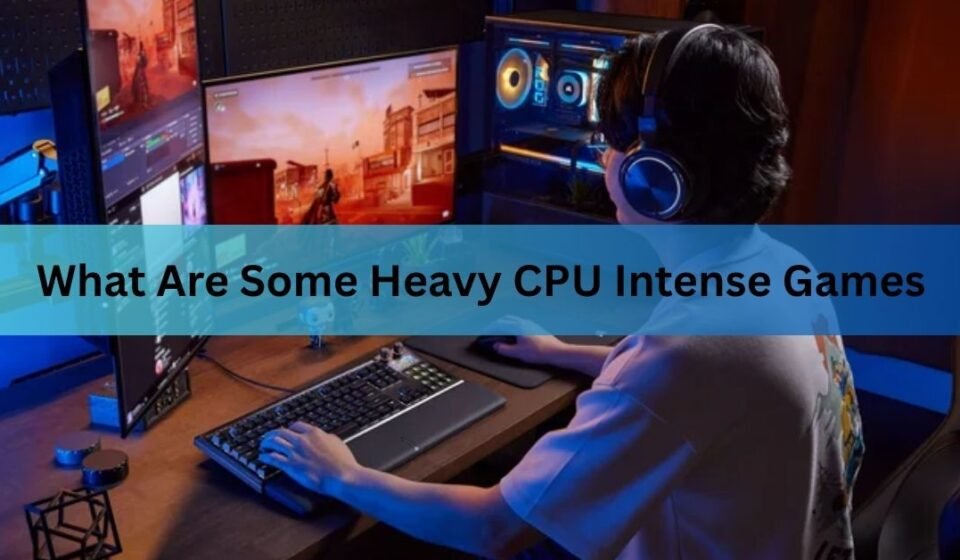
What Are Some Heavy CPU Intense Games? Top PC Games That Push Your Processor to the Limit

If you’re wondering what are some heavy CPU intense games, the short answer is that large simulation, strategy, open-world, and city-building games usually put the biggest load on your processor. Unlike GPU-heavy games that mainly stress your graphics card, CPU-intensive games rely on the processor to manage AI, physics, world simulation, pathfinding, and thousands of background calculations at once.
If your PC has a powerful graphics card but an older processor, you may notice low frame rates, stuttering, or inconsistent performance in these games. Choosing the right CPU can make a huge difference, especially if you enjoy strategy titles, massive battles, or highly detailed simulations.
What makes a game CPU intensive?
A game’s processor workload depends on how much it needs to calculate every second. Modern CPUs handle many tasks that happen behind the scenes while the GPU focuses on rendering graphics.

Some of the biggest CPU-heavy features include:
- Hundreds or thousands of AI-controlled characters
- Complex physics calculations
- Large open worlds
- Traffic and city simulation
- Multiplayer server calculations
- Object streaming
- Real-time weather systems
- Population management
- Pathfinding for NPCs
The more systems running together, the more work your processor must do.
Quick Tip: If lowering your graphics settings barely improves your FPS, your processor is probably the performance bottleneck instead of your graphics card.
Best heavy CPU intense games
Here are some of the most demanding games for modern processors.
| Game | Why It Is CPU Intensive | Best For |
| Cities: Skylines II | Massive city simulation and traffic AI | City builders |
| Microsoft Flight Simulator | World streaming and aircraft simulation | Flight enthusiasts |
| Civilization VII | AI turns and late-game calculations | Strategy players |
| Total War: Warhammer III | Thousands of units fighting simultaneously | RTS fans |
| Dwarf Fortress | Entire world simulation | Simulation lovers |
| RimWorld | Colony AI and event generation | Management games |
| Factorio | Huge automated factories | Automation fans |
| Star Citizen | Massive persistent universe | Space simulation |
| Escape from Tarkov | Ballistics and AI | Hardcore FPS |
| BeamNG.drive | Advanced soft-body physics | Driving simulation |
Cities: Skylines II
Cities: Skylines II is one of the most processor-heavy city builders available today.
Every citizen has a schedule. Every vehicle calculates routes through your city. Services, weather, electricity, economy, education, and public transport all run simultaneously.
As your city grows beyond 100,000 citizens, CPU usage increases dramatically.
Official game details:
https://www.paradoxinteractive.com/games/cities-skylines-ii
Microsoft Flight Simulator
Microsoft Flight Simulator is famous for its realistic world simulation.
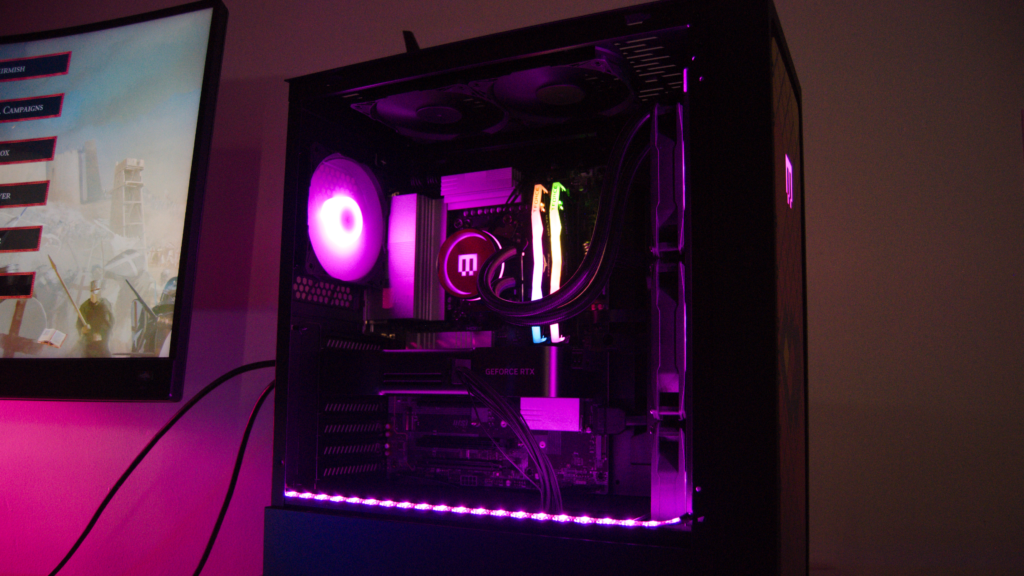
The processor handles:
- Aircraft systems
- Air traffic
- Weather
- Terrain streaming
- Airports
- Navigation
- AI aircraft
Flying over dense cities like New York, London, or Tokyo places a much heavier load on the CPU than flying over empty countryside.
Official website:
https://www.flightsimulator.com/
Total War: Warhammer III
Few games create battles as large as Total War.
Large armies containing several thousand soldiers all require:
- AI decisions
- Pathfinding
- Collision detection
- Combat calculations
- Morale systems
This makes the game much more processor-heavy than many action titles.
Civilization VII
Turn-based strategy games may not seem demanding at first.
However, during later stages of a match, every civilization calculates diplomacy, military movements, city production, trade routes, research, and expansion.
Waiting between turns often depends more on CPU speed than graphics performance.
Dwarf Fortress
Dwarf Fortress has simple graphics, but that doesn’t mean it is easy on hardware.
Every creature has individual needs, memories, relationships, emotions, jobs, and movement calculations.
The game continuously simulates an entire living world, making it surprisingly demanding on processors.
Factorio
Factorio becomes extremely CPU intensive after players build massive automated factories.
Thousands of conveyor belts, robotic systems, trains, inserters, and production lines all update every second.
Large “megabases” often become limited by CPU performance instead of graphics power.
BeamNG.drive
BeamNG.drive uses one of the most advanced vehicle physics engines available.
Instead of simple crash animations, every vehicle is built from hundreds of interconnected nodes.
Every impact changes the vehicle structure in real time.
This realistic simulation creates significant CPU load.
RimWorld
RimWorld appears simple visually, but every colonist makes independent decisions throughout the game.
The processor constantly manages:
- Mood
- Health
- Relationships
- Combat
- Farming
- Construction
- Wildlife
- Raids
Large colonies become increasingly processor demanding.
Escape from Tarkov
Escape from Tarkov combines realistic shooting mechanics with detailed AI and complex ballistic calculations.
Bullets, armor penetration, sound propagation, loot generation, and enemy behavior all increase CPU usage during raids.
Star Citizen
Star Citizen continues to push modern hardware.
The game simulates detailed ships, planetary systems, AI, players, and physics simultaneously.
A fast processor with multiple cores helps improve overall performance.
CPU-heavy games vs GPU-heavy games
Many players confuse processor-intensive games with graphics-intensive games.
| CPU Heavy | GPU Heavy |
| AI calculations | Graphics rendering |
| Physics | Ray tracing |
| Simulation | High-resolution textures |
| World management | Lighting |
| NPC behavior | Shadows |
| Population systems | Anti-aliasing |
Games like Cyberpunk 2077 mainly stress your graphics card at Ultra settings, while Cities: Skylines II often depends much more on processor performance.
How to know if your CPU is the bottleneck
Several signs indicate your processor is limiting performance.
- GPU usage stays below 90%
- CPU usage reaches 90–100%
- FPS remains low even after lowering graphics settings
- Large FPS drops in crowded areas
- Poor performance during massive battles
- Stuttering despite having a powerful graphics card
Tools such as Windows Task Manager, AMD Ryzen Master, and Intel Extreme Tuning Utility can help monitor processor performance.
For Intel processor information, visit:
https://www.intel.com/content/www/us/en/gaming/resources/gaming-cpu.html
Best CPUs for demanding games
If you frequently play simulation or strategy games, processor performance matters more than buying the most expensive graphics card.
Modern CPUs with strong single-core and multi-core performance generally deliver the best experience.
Some excellent choices include:
- AMD Ryzen 7 9800X3D
- AMD Ryzen 9 9950X
- Intel Core Ultra 9 series
- Intel Core i9-14900K
- AMD Ryzen 7 7800X3D
The right choice depends on your budget, cooling, and whether you also use your PC for video editing or streaming.
Tips to improve CPU performance in games
If you’re already using a capable processor, a few adjustments can improve gameplay.
- Close unnecessary background applications.
- Update chipset and motherboard drivers.
- Enable XMP or EXPO memory profiles.
- Install the game on an SSD.
- Keep CPU temperatures under control.
- Use balanced or high-performance power settings.
- Reduce simulation settings if available.
- Upgrade system memory if you have only 8 GB.
Small improvements can make demanding games run much smoother.
Are more CPU cores always better?
Not always.
Many modern games benefit from six to eight fast cores. Simulation titles can use additional cores more effectively, but clock speed and processor architecture remain just as important.
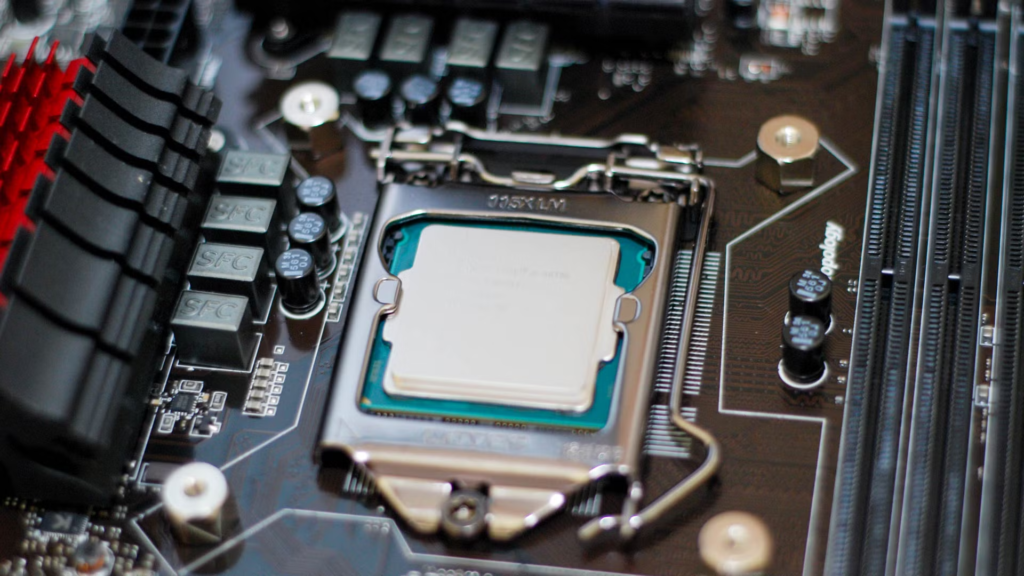
A newer eight-core processor often outperforms an older sixteen-core chip in gaming because each core completes work faster.
Frequently asked questions
Which game uses the most CPU?
Cities: Skylines II and Microsoft Flight Simulator are among the most CPU-demanding games because they continuously simulate large worlds, AI, and complex systems.
Is Minecraft CPU intensive?
Yes. Minecraft becomes highly CPU intensive when using large worlds, many entities, complex redstone builds, or heavy simulation mods.
Can a better CPU increase FPS?
Yes. In CPU-limited games, upgrading your processor can significantly improve average FPS, minimum FPS, and overall smoothness.
Is 6 cores enough for gaming?
For most modern games, yes. Six fast cores are still capable, although eight cores offer better performance for demanding simulation and multitasking.
How can I reduce CPU usage while gaming?
Close background programs, update drivers, reduce simulation settings, improve cooling, and make sure your RAM is running at its rated speed. These changes can lower CPU load and improve stability.
Conclusion
The answer to what are some heavy CPU intense games is simple. Simulation, strategy, city-building, and physics-based games place the biggest load on your processor. Titles like Cities: Skylines II, Microsoft Flight Simulator, Total War: Warhammer III, Factorio, and BeamNG.drive can fully utilize modern CPUs. Pairing these games with a fast processor, enough memory, and an SSD will give you smoother gameplay and better overall performance.
Recommended Articles: