
If your CPU clock speed stays much higher than expected, it does not always mean something is wrong. Modern processors are designed to increase their speed automatically whenever they need extra performance. Technologies such as Intel Turbo Boost and AMD Precision Boost can raise the clock speed above the processor’s base frequency within seconds. In many cases, this behavior is completely normal.
The real question is whether your CPU remains at a high clock speed even when your computer is idle. If it does, there may be a setting, background process, or hardware configuration preventing the processor from lowering its speed to save power.
This guide explains why your CPU clock speed may stay high, how to check whether it is normal, and what you can do if it is causing high temperatures, loud fan noise, or unnecessary power usage.
What is CPU clock speed?
CPU clock speed is the number of cycles your processor completes every second. It is measured in gigahertz (GHz). For example, a processor running at 4.8 GHz performs 4.8 billion clock cycles every second.
Most modern CPUs have two important speed ratings:
| Type | Meaning |
| Base Clock | The guaranteed speed under normal workloads. |
| Boost Clock | The maximum speed the CPU can reach automatically when needed. |
Seeing your processor running near its boost clock while gaming, editing videos, compiling software, or performing heavy tasks is completely expected.
Is a high CPU clock speed normal?
Yes, in many situations.
Modern CPUs constantly adjust their speed based on workload, temperature, and available power. They rarely stay at one fixed frequency.
For example:
- Opening several applications at once
- Launching a game
- Running antivirus software
- Exporting a video
- Installing Windows updates
can all cause the processor to increase its clock speed automatically.
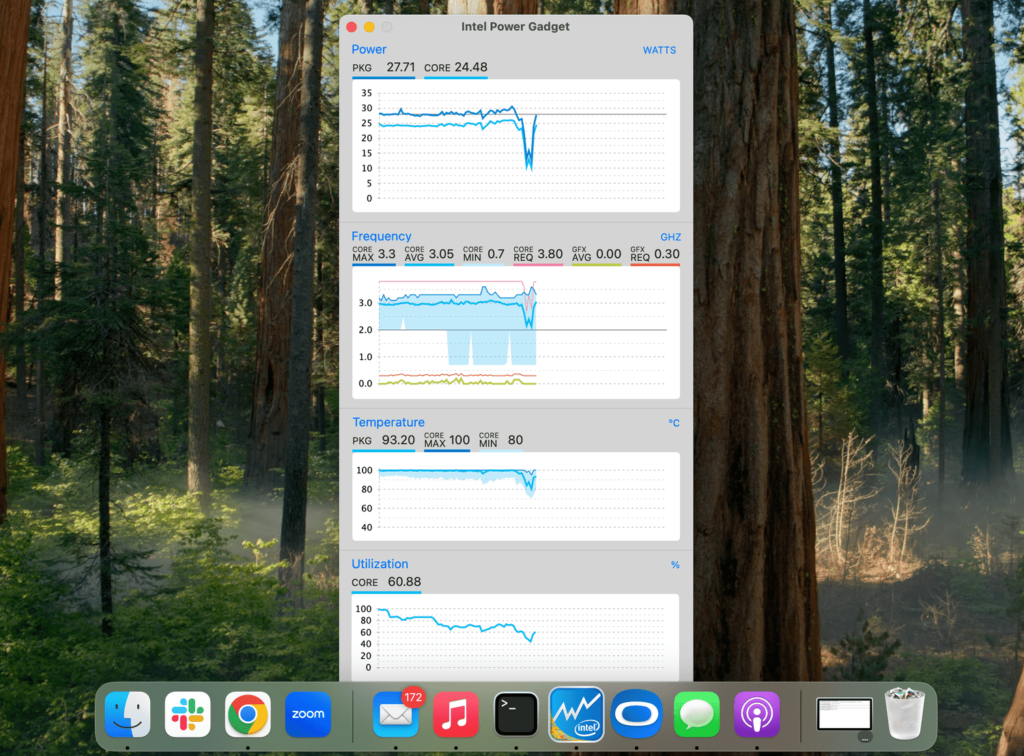
A high clock speed only becomes a concern if:
- Your CPU stays near maximum speed while idle.
- Temperatures remain unusually high.
- Fans constantly run at high speed.
- Power consumption seems excessive.
Why does my CPU clock speed stay high?
Several factors can keep your processor running faster than expected.
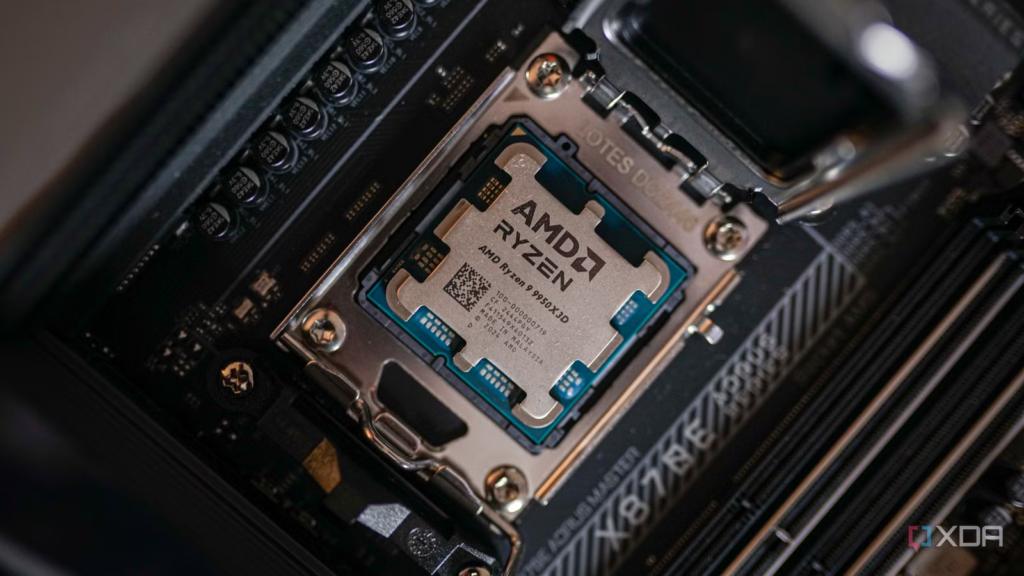
1. Intel Turbo Boost or AMD Precision Boost is working correctly
Most processors automatically increase their frequency whenever extra performance is available.
This is one of the most common reasons users notice clock speeds higher than the advertised base speed.
For more details about Intel processors and clock speed behavior, Intel provides an official explanation on its CPU clock speed page.
2. Windows High Performance power plan
Windows includes several power plans.
The High Performance plan keeps the processor ready for work by maintaining a higher minimum processor state. As a result, your CPU may rarely slow down, even while idle.
Switching to the Balanced power plan often allows the processor to lower its frequency when little processing power is required.
3. Background applications
Many programs continue working after you close their windows.
Examples include:
- Cloud storage syncing
- Antivirus scans
- RGB lighting software
- Hardware monitoring utilities
- Game launchers
- Windows indexing
Even a few percent of continuous CPU usage can prevent the processor from entering lower power states.
Checking Task Manager usually reveals which applications are responsible.
4. BIOS performance settings
Many motherboards include performance features that remove normal power limits.
Examples include:
- Multi-Core Enhancement
- Enhanced Turbo
- Precision Boost Overdrive (PBO)
- Auto Overclock
These options improve performance but can also keep clock speeds higher than expected.
5. Manual overclocking
If you have changed CPU multiplier or voltage settings, your processor may remain at a fixed high frequency.
This often happens after using:
- BIOS overclock settings
- Intel Extreme Tuning Utility
- AMD Ryzen Master
Returning settings to their defaults usually restores automatic frequency scaling.
How can you check if everything is working normally?
Instead of looking at only one monitoring program, compare information from several tools.
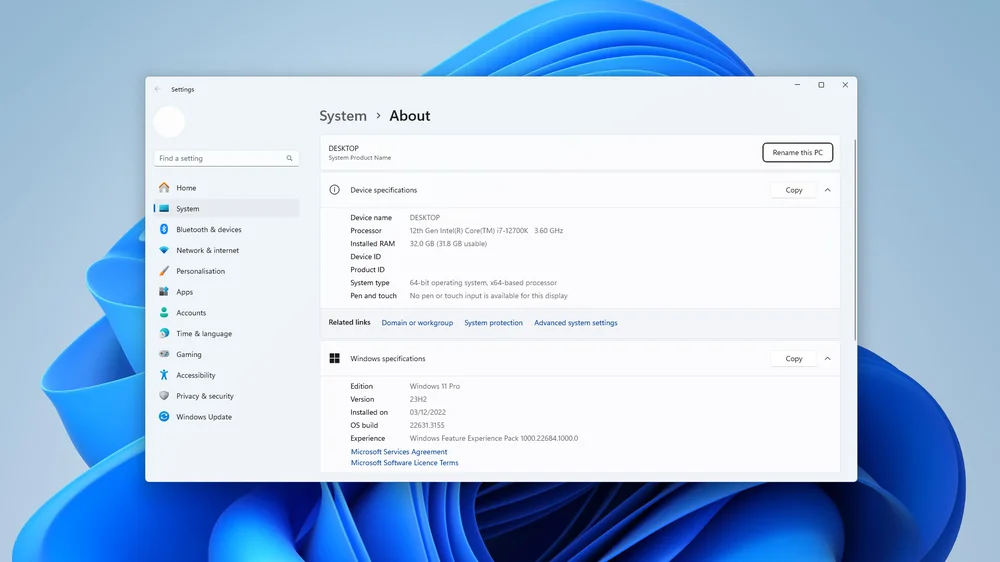
Useful utilities include:
- Windows Task Manager
- CPU-Z
- HWiNFO
- AMD Ryzen Master
- Intel Extreme Tuning Utility
Monitor:
- Current clock speed
- CPU utilization
- Temperature
- Core voltage
- Power usage
If utilization remains below 5% while clock speed stays close to maximum for several minutes, further investigation is worthwhile.
Quick tip: A brief spike to maximum clock speed is normal. Continuous maximum speed while idle deserves closer inspection.
How to fix a CPU clock speed that stays too high
If your processor remains at a high frequency even when your computer is idle, work through these steps one by one. In many cases, the problem is caused by a software setting rather than a hardware fault.
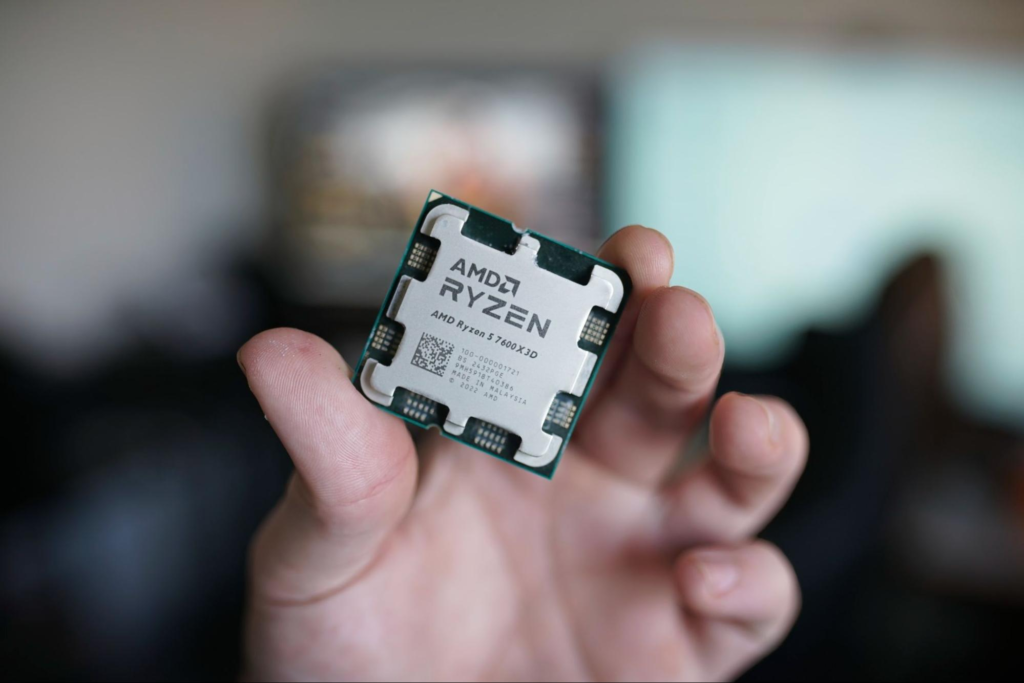
1. Check CPU usage in Task Manager
Before changing any settings, find out whether your CPU is actually busy.
To do this:
- Press Ctrl + Shift + Esc to open Task Manager.
- Click the Processes tab.
- Sort by CPU usage.
- Look for programs that are constantly using processor resources.
A Windows Update, antivirus scan, cloud backup, or browser with many tabs can keep your CPU running faster than normal.
2. Change your Windows power plan
Your power plan has a direct effect on CPU frequency.
To change it:
- Open Control Panel.
- Select Power Options.
- Choose Balanced instead of High Performance.
The Balanced plan allows Windows to lower the processor speed when the workload is light while still boosting performance whenever it is needed.
Microsoft explains how Windows power management works in its official documentation:
https://learn.microsoft.com/windows-hardware/customize/power-settings/
3. Restart your computer
Some background services or temporary software issues disappear after a simple restart.
If your CPU has remained at maximum clock speed for several hours, restarting the system is a quick way to rule out temporary problems.
4. Close unnecessary startup programs
Many applications launch automatically every time Windows starts.
Open Task Manager → Startup Apps and disable software you do not need running all the time.
Examples include:
- Game launchers
- RGB control software
- Chat applications
- Hardware monitoring tools
- Automatic update services
Fewer background programs usually mean lower idle CPU usage.
5. Reset BIOS settings
If your motherboard has aggressive performance settings enabled, restoring the BIOS to its default values can help.
Look for options such as:
- Load Optimized Defaults
- Restore Defaults
- Reset BIOS Settings
Only change settings if you understand what they do.
6. Check CPU temperatures
High clock speeds and high temperatures often go together.
A healthy idle temperature usually falls somewhere around:
| CPU Type | Typical Idle Temperature |
| Desktop CPU | 30°C to 50°C |
| Gaming Laptop | 40°C to 60°C |
Temperatures vary depending on your room temperature, CPU cooler, and case airflow.
If your CPU stays above 70°C while idle, it is worth checking cooling performance, thermal paste, or airflow.
When should you worry?
A high clock speed is not automatically a problem.
You should investigate further if you notice any of these symptoms:
- CPU usage remains high while the PC is idle.
- Idle temperatures stay unusually high.
- Fans constantly run at maximum speed.
- Performance becomes unstable.
- Random crashes or blue screens appear.
- The CPU never reduces its frequency, even after restarting.
These signs may point to software conflicts, BIOS settings, overheating, or unstable overclocking.
High clock speed vs. high CPU usage
Many people confuse clock speed with CPU usage, but they measure different things.
| Clock Speed | CPU Usage |
| Shows how fast the processor is running | Shows how much of the processor is being used |
| Measured in GHz | Measured as a percentage |
| Can increase automatically | Depends on running tasks |
| High speed can be normal | Constantly high usage often needs investigation |
A processor can run at 5.0 GHz while using only a small percentage of its total capacity. Likewise, a CPU can be fully loaded at a lower clock speed if power or temperature limits are reached.
Can monitoring software show incorrect clock speeds?
Yes.
Some monitoring programs display the highest boost frequency reached by a core rather than the current average frequency across all cores.
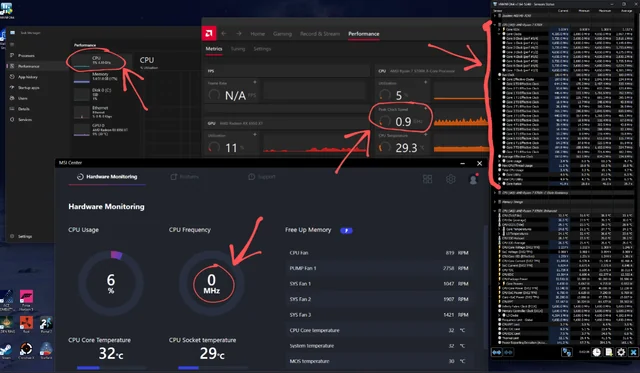
For the most accurate information, compare readings from more than one trusted utility. Looking at both clock speed and CPU usage gives a much clearer picture than relying on a single number.
Tips to keep your CPU running efficiently
You do not need to force your processor to stay at a lower speed. Instead, focus on keeping the system healthy.
Some good habits include:
- Keep Windows and chipset drivers updated.
- Remove software you no longer use.
- Clean dust from your PC regularly.
- Ensure your CPU cooler is installed correctly.
- Use the Balanced power plan unless maximum performance is required.
- Avoid unnecessary overclocking if stability is your priority.
These steps help your processor boost when needed and slow down when it should, giving you the best balance between performance, temperature, and power consumption.
Frequently asked questions
Why is my CPU running at maximum clock speed while idle?
The most common reasons are the High Performance power plan, background software, motherboard performance settings, or monitoring tools reporting boost frequencies. Checking Task Manager is a good first step.
Is Turbo Boost supposed to keep my CPU at a high speed?
Yes. Intel Turbo Boost and AMD Precision Boost automatically increase clock speed whenever additional performance is available. The speed should drop again once the workload decreases.
Does a higher clock speed damage my CPU?
No. Modern processors are designed to boost safely within their temperature and power limits. Problems usually arise only if temperatures become excessive or unstable overclocking is used.
Should I disable Turbo Boost?
Most users should leave Turbo Boost enabled. It improves performance automatically without affecting reliability when cooling is adequate.
What is a normal idle CPU clock speed?
There is no single number because every processor behaves differently. Many modern CPUs briefly boost even while idle before dropping again. Occasional spikes are normal as long as CPU usage and temperatures remain low.
Conclusion
A high CPU clock speed is usually a sign that your processor is responding to demand, not that something is wrong. Modern CPUs automatically boost their frequency to improve performance and reduce it again when the workload decreases. If your processor remains at maximum speed while idle, check your power plan, background applications, BIOS settings, and temperatures. Once these are configured correctly, your CPU should switch smoothly between low-power and high-performance states.
Recommended Articles: