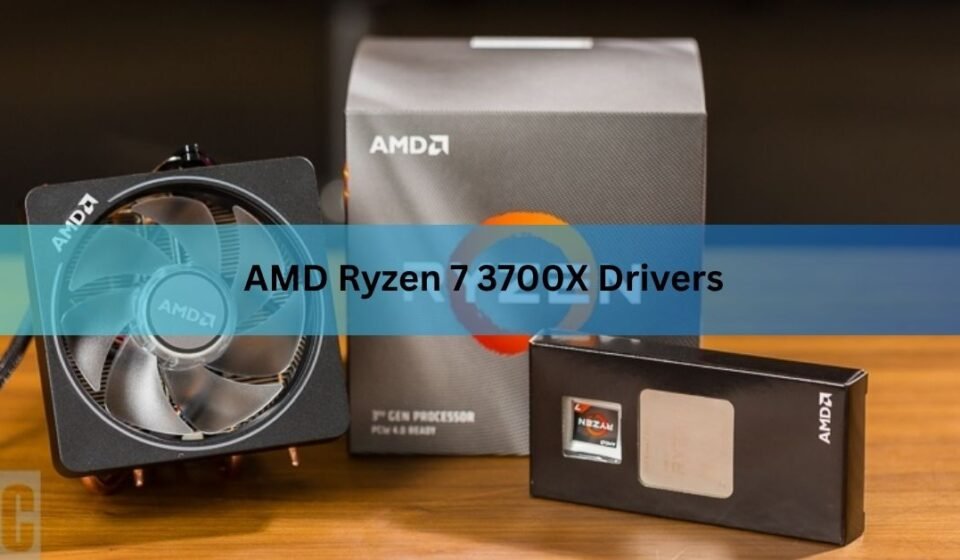

The Ryzen 7 3700X does not have a driver of its own. What you install is the AMD chipset driver for your motherboard, and the current version is 8.08.12.551, released on 14 August 2026. One 79 MB file covers every AM4 board from A320 through X570. You also need a graphics card driver, because this processor has no built-in graphics at all. Here is what to download, in what order, and how to confirm it worked.
Does the Ryzen 7 3700X need its own driver?
No. Windows runs on the processor directly through its instruction set, so there is no file to install for the chip itself. Look the 3700X up on AMD’s support site and the only download offered is Ryzen Master, an optional tuning app.
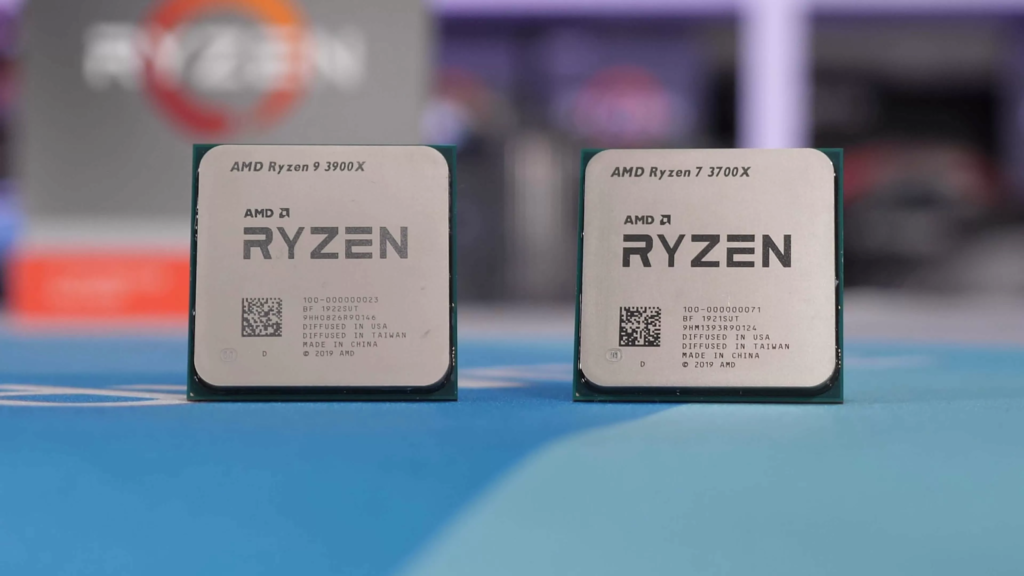
One naming quirk trips people up there. Support pages and driver notes rarely say “3700X” by name. Your chip is listed as a 3rd Gen AMD Ryzen Desktop Processor, so that is the line to look for when you are checking whether a package supports it.
The part of your system that does need software is the motherboard. The chipset is the traffic controller between the processor and everything else on the board: USB ports, SATA and M.2 slots, sensors, the security processor, and the pins that drive fan headers. That is what the AMD chipset package handles, and it is what nearly everyone searching for 3700X drivers actually wants.
Windows installs basic stand-ins for these on its own, so a fresh build boots and plays games without touching AMD’s site. The chipset package swaps those stand-ins for the real thing and adds a few pieces Windows has no equivalent for.
What the chipset package actually installs
It is not a single driver. The installer drops in roughly a dozen small ones. These are the parts that matter on an AM4 board with a 3700X in it.
| Component | Version | What it handles |
| AMD Ryzen Power Plan / Processor Power Management | 8.0.1.13 | How Windows parks cores, ramps clock speed and sends short bursts to the quickest cores |
| AMD PSP Driver | 5.46.0.0 | The Platform Security Processor, which also provides the firmware TPM that Windows 11 requires |
| AMD PCI Device Driver | 1.0.0.90 | The internal PCI links between the processor and the chipset |
| AMD SMBus Driver | 5.12.0.44 | The low-speed bus your monitoring apps read temperatures and voltages over |
| AMD GPIO2 Driver | 2.2.0.137 | General-purpose pins on the board, including fan and header control |
| AMD Interface Driver | 2.0.0.29 | Shared plumbing for the PCI, SMBus and related drivers |
The power management piece is the one worth understanding. The 3700X boosts up to 4.4 GHz, but not every core gets there. AMD grades the cores in each chip during manufacturing and stores the ranking in firmware. The power driver is how Windows reads that ranking, so short bursts of work land on the quickest cores instead of whichever one happens to be free.
Without the chipset package a 3700X still works. What you get instead is a Device Manager with one or two unrecognised devices sitting in it and boost behaviour that is less consistent. Not a broken PC, just a slightly dumber one.
One extra file matters for a small group of people. If your drives are set up in a RAID array on an AM4 board, you also need the AMD RAID installer, version 2.20.19.037. It sits as a separate download on the same chipset page and covers SATA and NVMe RAID across every AM4 chipset. Installing Windows onto a RAID array means loading that driver from a USB stick during setup. If you run single drives, which almost everyone does, ignore it.
Where to download the right file
Search AMD’s site by chipset, not by processor. Start at the AMD drivers and support page and use the product selector to pick your chipset. Processor pages will only ever hand you Ryzen Master.
To find your chipset, press the Windows key and R together, type msinfo32, and press Enter. Read the BaseBoard Product line. That gives you the board model, something like B450 TOMAHAWK MAX or ROG STRIX X570-E GAMING, and the chipset is usually sitting in the name. If it is not obvious, search that model number on the board maker’s site.
Every AM4 chipset pulls the same file. A320, B350, X370, B450, X470, A520, B550 and X570 all download AMD_Chipset_Software_8.08.12.551.exe, and it supports 64-bit Windows 10 and Windows 11 alike.
That same page has an auto-detect tool that scans your PC and picks both the chipset and graphics drivers for you. It needs Windows 10 version 1809 or later. Handy, though grabbing the chipset file by hand takes about the same time and you can see exactly what you are getting.
How to install it
- Close your work. Save open files and shut down anything sitting in the background.
- Pause your antivirus. Real-time scanning is a common cause of failed installs. Ten minutes off is enough, and do not leave it disabled afterwards.
- Run the file as administrator. Right-click AMD_Chipset_Software_8.08.12.551.exe and choose Run as administrator. It unpacks itself and opens the installer.
- Leave every box ticked. The installer lists each component with a checkbox, all selected by default. That full set is what you want.
- Reboot when prompted. The install takes two to five minutes. The restart is not optional, since several of the drivers only load at startup.
Upgrading from an older chipset package usually works fine straight over the top. Uninstall first only if you have swapped motherboards or the drivers on there are years old.
What else a 3700X system needs
Only one of the remaining pieces comes from AMD.
- A graphics driver. The 3700X has no integrated graphics, so a discrete card is required. Whatever sits in the PCIe slot needs its own driver from AMD or Nvidia, and that driver shapes gaming performance far more than anything chipset related.
- A motherboard BIOS update. This comes from ASUS, MSI, Gigabyte or ASRock, never from AMD, and it is separate from the chipset driver. The BIOS carries the CPU microcode that governs how the 3700X boosts, and it holds the firmware TPM and Secure Boot switches Windows 11 checks. Low boost clocks or a blocked Windows 11 upgrade point here, not at your drivers.
- Board-specific drivers. Ethernet, Wi-Fi, Bluetooth and audio use chips the board maker chose, so those drivers live on the board maker’s support page.
- Ryzen Master, if you want it. The Ryzen Master download page has three buttons. Take the middle one, for Ryzen 3000 to 4000 series processors, currently version 2.14.3.5040. The top button is built for Ryzen 5000 and newer and will not run on your chip. Ryzen Master is useful for watching per-core clocks and temperatures, or for using Precision Boost Overdrive, which the 3700X supports. Skip it if you just want the machine to work.
One note on Windows itself. Windows 10 stopped receiving security updates on 14 October 2025. The 3700X sits on Microsoft’s supported processor list for Windows 11, so that upgrade is open to you as long as TPM and Secure Boot are switched on in the BIOS.
How to check it worked
Open Programs and Features in Control Panel and look for AMD Chipset Software. The version shown should match what you downloaded.
To see the power management side working, open Task Manager, go to the Performance tab and click CPU while the machine is idle apart from something light, like a browser tab. The reported speed should climb toward 4.4 GHz in short spikes rather than sitting flat near the 3.6 GHz base clock. Sustained all-core work will settle lower than that, which is normal on a 65W part.
Then open Device Manager and expand System devices. You should see a run of entries beginning with AMD, the PSP driver and SMBus controller among them. What matters is what you do not see: no yellow warning triangles anywhere in the list, and no Other devices category holding unidentified hardware.
When the install goes wrong
- Error 1603. The common one. Run Windows Update and apply everything pending, switch off the antivirus, then open Command Prompt as administrator and run sfc /scannow, retrying the installer after each step. If it still fails, the log is in C:\AMD\Chipset_Software\Logs.
- Going back to an older version. Once a 7.x or newer package is installed, a 6.x installer will not run over it. Uninstall the current version through Programs and Features, delete the Qt_Dependencies folder inside C:\Program Files (x86)\AMD\Chipset_Software\, then install the older release.
- Never remove chipset drivers through Device Manager. Use Programs and Features instead. Some components, the GPIO drivers in particular, are load-bearing, and pulling them out by hand creates problems that are tedious to undo.
- Ignore driver updater programs. Everything your chipset needs arrives in one signed file from AMD and installs in five minutes. A subscription scanner just adds a middleman.
Frequently asked questions
Where do I download Ryzen 7 3700X drivers?
From AMD’s support site, under your motherboard’s chipset rather than the processor. The 3700X product page only offers Ryzen Master. Every AM4 chipset from A320 to X570 uses the same chipset driver package.
Do I need to reinstall drivers after upgrading to a Ryzen 7 3700X?
Install the current AMD chipset package after the swap. If you came from a first-generation Ryzen chip, the board also needs a BIOS that supports Zen 2, and that update has to happen before you fit the new processor.
Will the chipset driver improve gaming performance?
Barely, on its own. It helps Windows place short bursts of work on the quickest cores, which shows up in responsiveness more than in frame rates. Your graphics driver and BIOS version matter far more for gaming.
Does the Ryzen 7 3700X work with Windows 11?
Yes. It is on Microsoft’s supported processor list. You need TPM and Secure Boot enabled in the BIOS, which on AM4 boards means switching on the firmware TPM setting, usually labelled fTPM or AMD fTPM.
How often should I update the AMD chipset driver?
Once or twice a year is plenty on a 3700X. Recent releases mostly add support for newer processors. Update if you are troubleshooting, changing storage, or reinstalling Windows from scratch.
Conclusion
There is no Ryzen 7 3700X driver to hunt for. Install the AMD chipset package for your motherboard, currently 8.08.12.551, add the driver for your graphics card, and keep the board BIOS reasonably current. A good result looks boring: no yellow marks in Device Manager, clocks touching 4.4 GHz on light single-threaded work, and a machine you can stop thinking about for another year.
Recommended Articles: