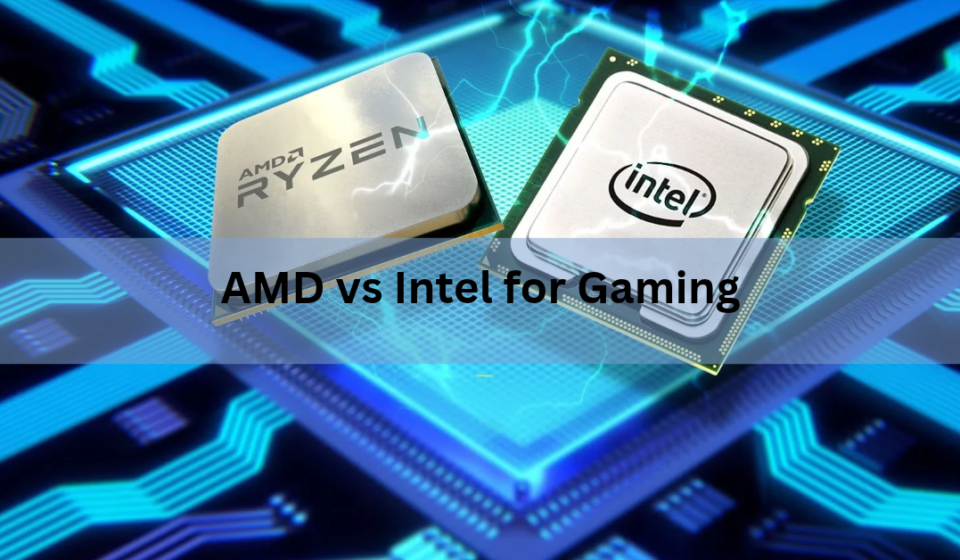

AMD is the better choice for pure gaming performance in 2026. Its Ryzen X3D processors, built around a stack of extra cache memory, run games faster and more consistently than anything Intel currently sells at the same price. Intel still earns its keep in a smaller set of cases: tight budgets, heavy video work mixed with gaming, and a few titles that reward raw clock speed over cache.
That short answer covers most people, but the size of the gap and whether it matters to you depends on what you’re building and what else the machine needs to do. Here’s the full picture, tier by tier.
Quick comparison: AMD vs Intel at a glance
Before getting into the details, here’s how the two brands stack up across the categories that actually affect a gaming build.
| Category | AMD | Intel |
|---|---|---|
| Pure gaming FPS (flagship) | Leads by 20-35% | Trails at the same price |
| Frame-time consistency | Stronger 1% lows | More variance in cache-heavy games |
| Multi-core / rendering | Competitive | Leads in fully threaded work |
| Video encoding (Quick Sync) | No dedicated equivalent | Faster hardware encoding |
| Platform longevity | AM5, supported through 2029 | New socket roughly every 2-3 years |
| Budget tier (under $250) | Strong value | Very competitive, sometimes cheaper |
| Integrated graphics (no GPU) | Generally stronger | Improved but usually behind |
Which is better, AMD or Intel, for gaming right now?
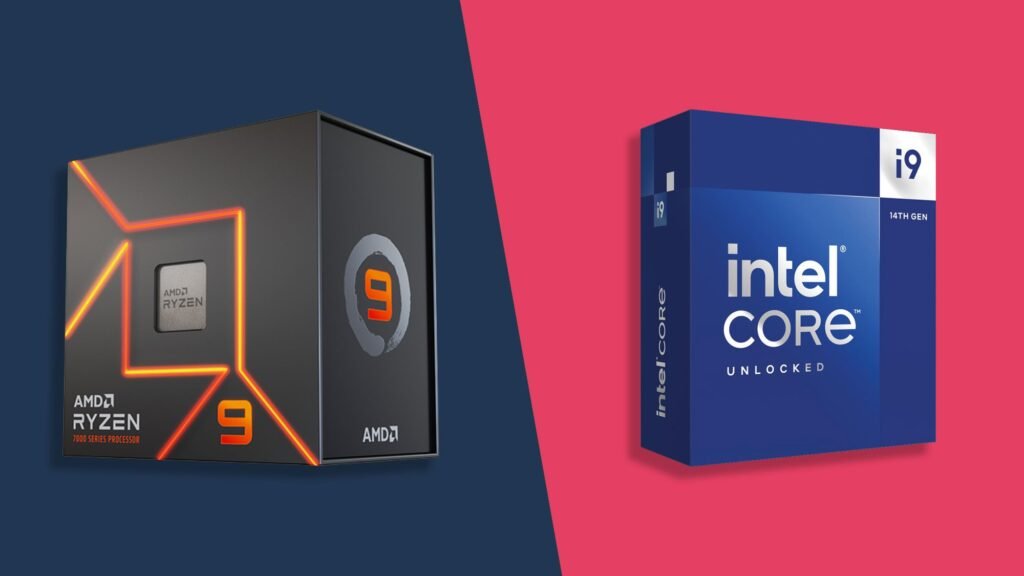
At the top of the market, it isn’t close. AMD’s Ryzen 7 9800X3D and its refreshed sibling, the Ryzen 7 9850X3D, beat Intel’s flagship Core Ultra 9 285K by roughly 20 to 35 percent across broad game test suites at 1080p and 1440p, and they do it while costing less. The 9850X3D lists at $499 against the 285K’s $599, so AMD wins on both frame rate and price at the same time.
The gap shows up most clearly in what’s called the 1% low, which is the frame rate during the roughest one percent of moments in a benchmark run rather than the average. A game that averages 150 frames per second but dips hard during an explosion or a busy scene will feel worse than the average number suggests. AMD’s X3D chips post noticeably higher 1% lows than Intel’s comparable parts, sometimes by 20 percent or more, which is why gameplay on them tends to feel smoother even when the average FPS numbers look close on paper.
Resolution changes how much this gap matters. At 1080p, the CPU has to feed frame data to the graphics card faster than the GPU can render it, so the processor becomes the limiting factor and the AMD advantage shows up clearly on the frame counter. Push the same two chips to 1440p with a demanding game and the gap narrows a bit, since the graphics card starts sharing more of the load. It doesn’t disappear, though. AMD’s cache advantage still shows up in frame-time consistency even when the average FPS numbers get closer together.
This lead isn’t universal across every single game. Titles that lean on heavy simulation, like late-game Cities: Skylines II saves or Stellaris with hundreds of turns played, can favor Intel’s higher core count over AMD’s cache advantage, since those games spend more time calculating thousands of independent objects than pulling repeated data from cache. But for the large majority of shooters, RPGs, and open-world titles that most people actually play, AMD is ahead, often by a wide enough margin that it changes which refresh rate monitor you can actually make use of.
Why AMD leads pure gaming performance
The advantage comes down to one piece of engineering: 3D V-Cache. Games lean heavily on a CPU’s L3 cache, the fast memory built directly onto the chip that holds data the processor expects to need again soon. When the data a game needs is sitting in cache, the CPU grabs it in a few nanoseconds. When it has to reach out to system RAM instead, that trip takes far longer and can cause a stutter.
AMD’s answer is to stack an extra block of cache directly on top of the processor die. The Ryzen 7 9800X3D carries 96MB of L3 cache, more than double what a similarly priced Intel chip typically offers, and AMD’s own testing shows the design behind it improves cooling by moving the stacked cache below the compute die rather than above it, which lets the chip run at higher clocks than earlier X3D generations.
The short version: more usable cache means fewer trips to system memory, and fewer trips to memory means steadier frame rates, especially in CPU-heavy scenes like large multiplayer battles or open-world cities.
You can read more about how the current generation of this technology works on the AMD 3D V-Cache technology page, but the practical outcome for a gamer is simple: games that are limited by the CPU rather than the graphics card respond strongly to extra cache, and AMD currently has more of it than Intel at every comparable price point.
There’s a real tradeoff behind the extra cache, and it’s worth understanding rather than glossing over. Stacking cache on top of the compute die used to force lower clock speeds, since the extra layer trapped heat that had nowhere to go. AMD’s second-generation V-Cache design flips the stack, placing the cache below the cores instead of above them, which lets heat escape through the top of the chip more directly. That change is why the 9800X3D can run at a 5.2GHz boost clock and remain fully unlockable for overclocking, something earlier X3D chips couldn’t do without giving up their gaming advantage.
Where Intel still wins
Intel’s advantage sits in workloads that use every core at once. The Core Ultra 9 285K packs 24 cores (8 performance cores plus 16 efficiency cores) and scores up to 80 percent faster than the Ryzen 7 9800X3D in fully threaded tests like Cinebench 2024, where every core runs flat out.
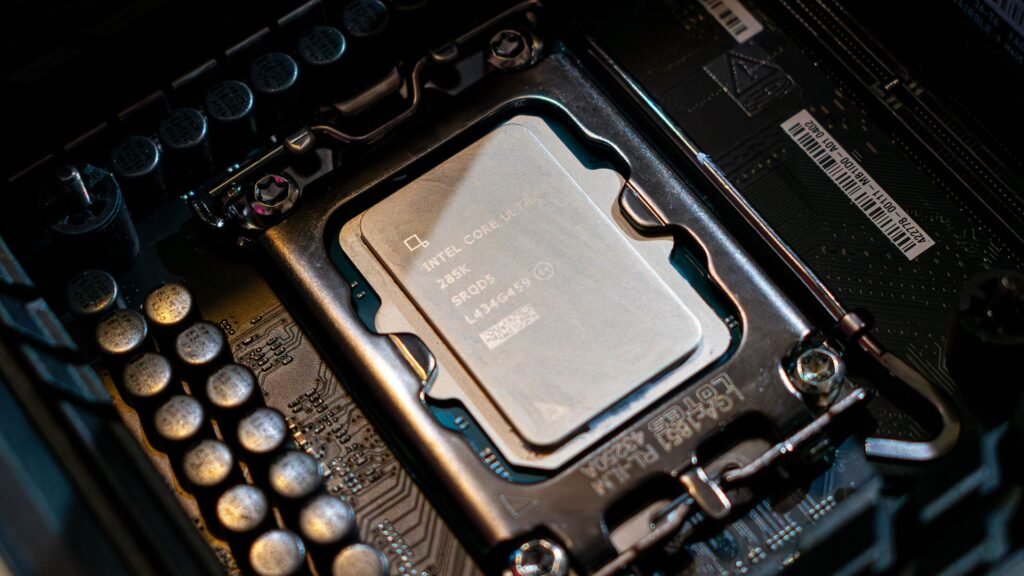
That matters if your PC does more than game. Video editing, 3D rendering, and code compiling all scale with core count in a way most games don’t. Intel also holds a real edge in hardware video encoding through Quick Sync, its built-in media engine, which speeds up H.265 and AV1 encoding for streaming or exporting footage without leaning on the graphics card.
If you stream on the same machine you game on, keep dozens of browser tabs open, run Discord and OBS in the background, or edit 4K footage between gaming sessions, Intel’s core layout and Quick Sync support are genuine advantages, not just spec-sheet padding. AMD’s chips handle multitasking fine, but Intel is built for it more directly.
Intel’s hybrid design splits work between two kinds of cores instead of treating every core the same way. The performance cores handle the game engine itself, while a separate bank of efficiency cores absorbs background tasks like your browser, chat apps, or a recording tool running in the background. In practice, that means a heavily multitasking Intel system can keep your game running smoothly while everything else churns along on the smaller cores, rather than competing with the game for the same processing resources.
Budget and mid-range: the gap narrows
The AMD lead shrinks fast once you move below flagship pricing. In the sub-$250 bracket, a Ryzen 5 7600 or 7500F trades blows with Intel’s Core i5-13400F and 14400F, with the difference between them running about 3 to 8 percent depending on the specific game. Intel can even come out slightly ahead in single-thread-sensitive titles like Valorant or Counter-Strike 2, where raw clock speed matters more than cache size.
At this price tier, other factors matter as much as the CPU choice itself. Motherboard cost, whether you already own compatible RAM, and what graphics card you’re pairing it with will affect your build more than a 5 percent frame rate difference between two similarly priced chips. If you’re building on a tight budget, either brand is a reasonable pick, and the deciding factor is usually price at the moment you buy, not brand loyalty.
There’s also a value option worth knowing about if you’re upgrading an older AMD system rather than building from scratch. The Ryzen 7 5800X3D, originally released years ago, has come back to market as a re-engineered anniversary edition and remains the fastest CPU available for the older DDR4 memory standard. If you already own an AM4 motherboard and DDR4 RAM, dropping in that chip can be a cheaper path to a real gaming upgrade than a full new AM5 or Intel build, since it skips the cost of new memory and a new board entirely.
Platform and upgrade path: AM5 vs LGA1851
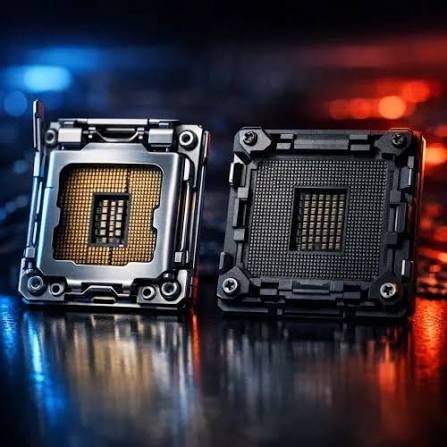
Beyond the CPU itself, the socket it plugs into affects how long your motherboard stays useful. AMD’s AM5 platform, launched in 2022, has hosted three generations of desktop chips so far and AMD has committed to supporting it through 2029, an unusually long runway that echoes what AM4 did for nearly a decade before it.
Intel’s current socket, LGA1851, launched with the Arrow Lake generation and is expected to see fewer follow-on chip releases before Intel moves to a new socket. Practically, that means an AMD build today has a better chance of accepting a future CPU upgrade without a new motherboard, while an Intel upgrade a few years down the line is more likely to require replacing the board along with the chip.
This isn’t a reason to avoid Intel outright. If you plan to build once and keep the whole system for its full life rather than swap the CPU mid-cycle, socket longevity matters less. But if you like the idea of dropping in a faster chip in two or three years without touching anything else, AMD’s track record gives you more confidence that the option will still be there.
It’s worth putting this in context rather than treating it as a guarantee. AMD’s original AM5 pledge in 2022 promised support only through 2025, and the company has extended that promise twice since, most recently to 2029. The pattern suggests AMD tends to keep stretching support as long as the platform stays commercially viable, much like the nine-plus years AM4 ended up getting. Intel’s socket changes, by contrast, usually track a new core architecture rather than a marketing decision, so a new socket often does come with a meaningful jump in what the chip can do, not just a new pin layout for its own sake.
AMD vs Intel in gaming laptops
The picture shifts slightly for laptops. If your laptop has a strong discrete GPU, something like an RTX 4060 or higher, the graphics card does most of the heavy lifting and the CPU gap between AMD and Intel matters much less for frame rates.
Where the CPU choice does matter directly is in laptops without a dedicated graphics card, which is common in budget and mid-range models. AMD’s integrated Radeon 780M and 890M graphics generally outperform Intel’s integrated Arc graphics by a noticeable margin in this segment, so if you’re buying a laptop that relies entirely on integrated graphics for gaming, AMD tends to give you more usable performance out of the box.
For laptops with a real GPU on board, the decision comes down more to battery life, chassis cooling, and price than to which CPU brand is inside, since the graphics card is doing the work that matters most for frame rate.
There’s one more wrinkle specific to laptops: thermal headroom. A desktop chip can lean on a large tower cooler and a case full of airflow, but a laptop chassis has to squeeze the same generation of silicon into a few millimeters of clearance with a much smaller fan. That constraint tends to narrow the real-world gap between AMD and Intel mobile chips compared to their desktop counterparts, since both brands throttle their clock speeds to fit the thermal limits of a laptop shell. If frame rate matters most to you in a laptop, put more weight on the graphics card and the cooling design of the specific model than on the CPU brand alone.
Price and value per frame
Looking at cost per frame makes the value gap concrete. At flagship pricing, the Ryzen 7 9850X3D has worked out to roughly $2.05 per average FPS in broad testing, against about $3.00 per FPS for the Core Ultra 9 285K. That’s a meaningful difference for anyone buying at the top of the market, and it holds even before accounting for AMD’s lower sticker price.
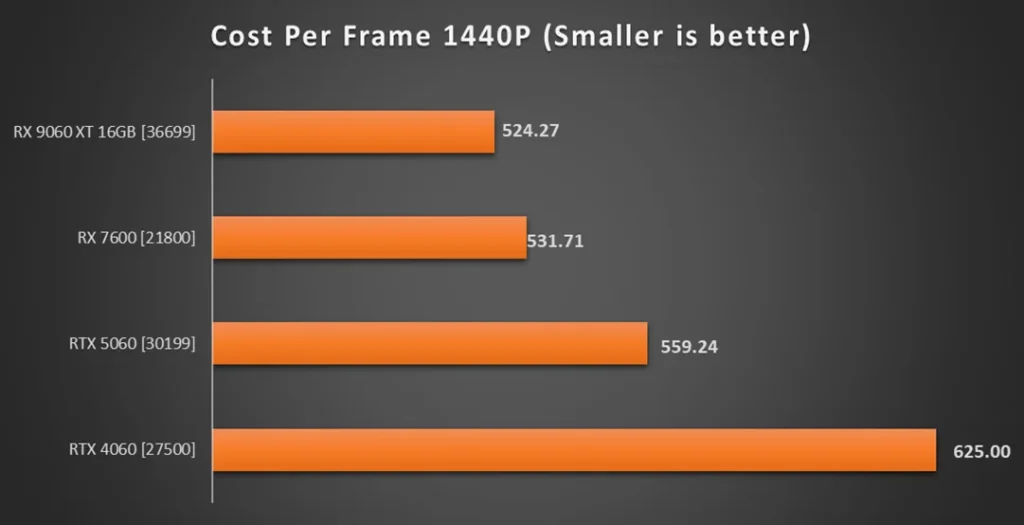
The value math flips less dramatically in the mid-range, where a few dollars can swing which chip wins on a pure price-per-frame basis depending on the week you’re shopping and local pricing. If you’re buying at this tier, it’s worth checking current prices on both a Ryzen 5 and a comparable Core i5 right before you buy rather than assuming last year’s numbers still hold, since retail pricing on both brands shifts often.
How to decide between them
The right choice comes down to what you actually do with the computer, not which brand has the better reputation.
- Choose AMD if gaming is the priority and you want the highest, most consistent frame rates at 1080p or 1440p.
- Choose AMD if you want a platform that’s more likely to accept a CPU upgrade in a few years without a new motherboard.
- Choose Intel if you regularly edit or export video and want faster hardware encoding through Quick Sync.
- Choose Intel if your workload mixes gaming with heavily threaded work like 3D rendering or code compiling.
- Either brand works fine on a tight budget, where the price gap between comparable chips is usually within a few percent.
At 4K resolution, the graphics card becomes the main bottleneck for most games, so the CPU gap between AMD and Intel narrows regardless of which chip you pick. If you’re building or shopping for a 4K gaming rig, put more of your budget toward the graphics card and treat the CPU choice as secondary. At 1080p and high-refresh 1440p, the CPU carries more weight, and that’s exactly where AMD’s cache advantage shows up most.
Frequently asked questions
Is AMD or Intel better for gaming in 2026?
AMD is better for pure gaming performance, led by the Ryzen X3D chips, which beat comparable Intel processors by 20 to 35 percent in broad game testing. Intel remains competitive in budget builds and workloads that mix gaming with heavy multitasking.
Why is the Ryzen X3D so much faster in games than Intel chips?
The X3D chips carry far more L3 cache, the fast on-chip memory games rely on heavily. More cache means fewer slow trips to system RAM, which produces higher and more consistent frame rates, especially in CPU-heavy scenes.
Does the CPU matter if I have a powerful graphics card?
Yes at 1080p and high-refresh 1440p, where the CPU often limits frame rate before the GPU does. At 4K, the graphics card becomes the main bottleneck, so the gap between AMD and Intel matters less.
Should I buy AMD or Intel if I also stream or edit video?
Intel is the stronger fit here thanks to Quick Sync, its dedicated hardware video encoder, which speeds up exporting and streaming without leaning on the graphics card. AMD has no direct equivalent built into its chips.
Is AMD’s AM5 socket really more future-proof than Intel’s platform?
AMD has committed to supporting AM5 through 2029, giving it a longer confirmed upgrade window. Intel’s current LGA1851 socket is expected to see fewer chip generations before Intel moves to a new socket.
Conclusion
For most gaming builds in 2026, AMD is the stronger pick. Its X3D chips deliver higher, steadier frame rates than comparable Intel processors, often at a lower price, and AMD’s socket tends to stay usable longer between upgrades. Intel remains the better fit if your machine also handles heavy video encoding or fully threaded production work, or if you’re shopping in the budget tier where the two brands run close enough that price should decide it.
Recommended Article:
How to Lower ScummVM CPU Usage: Settings That Actually Help
How to Check How Much Voltage Your Computer Is Using
What Performance Specification Does 2 GHz Refer To?