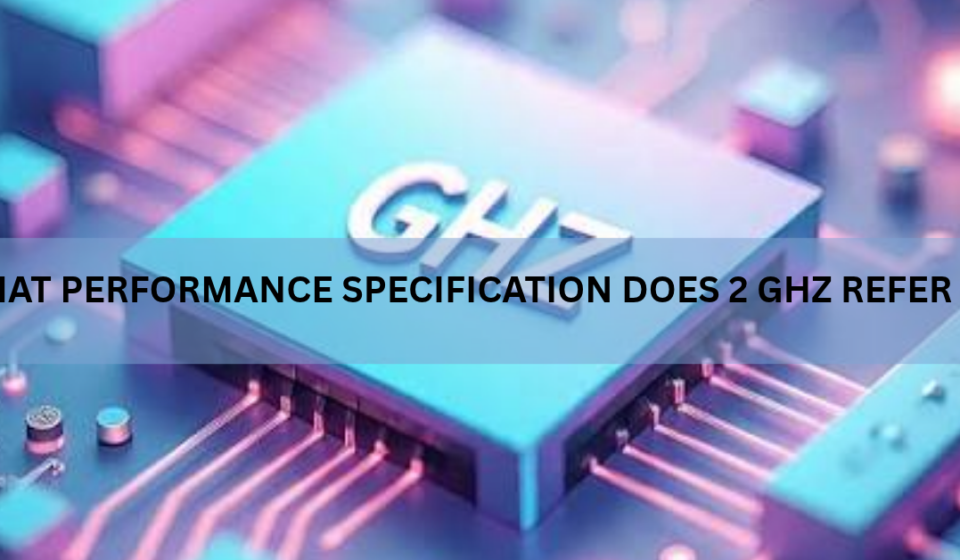

2 GHz refers to processor clock speed, also called clock rate or frequency. It means the clock inside the processor ticks 2 billion times every second, and each tick moves the chip one step further through its work.
That number describes the CPU and nothing else. It says nothing about how much memory the machine has, how fast the storage is, or how quickly data travels across a network. You will see it written as 2.0 GHz, as 2000 MHz, or tucked into a product name like “Intel Core i5 @ 2.00GHz”. All three point at the same thing.
What clock speed actually measures
Clock speed measures cycles per second. One hertz is one cycle per second, and one gigahertz is a billion of them, so 2 GHz works out to 2,000,000,000 cycles every second.
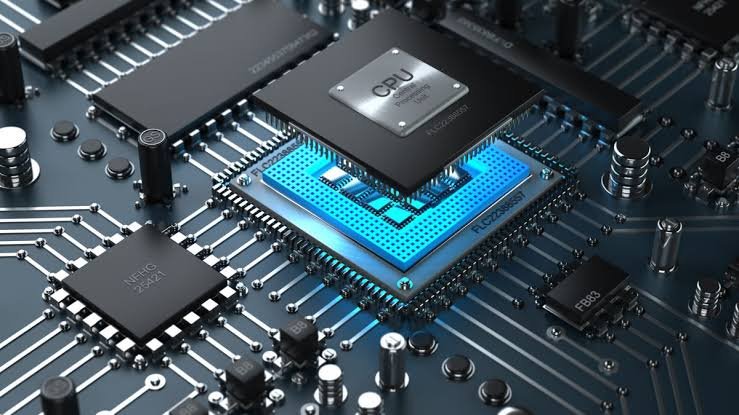
Inside the chip sits a clock signal that pulses at a fixed rate. Billions of transistors follow that pulse, switching on and off in time with it. The clock is what keeps every part of the processor moving together, a bit like a drummer setting the tempo for a band.
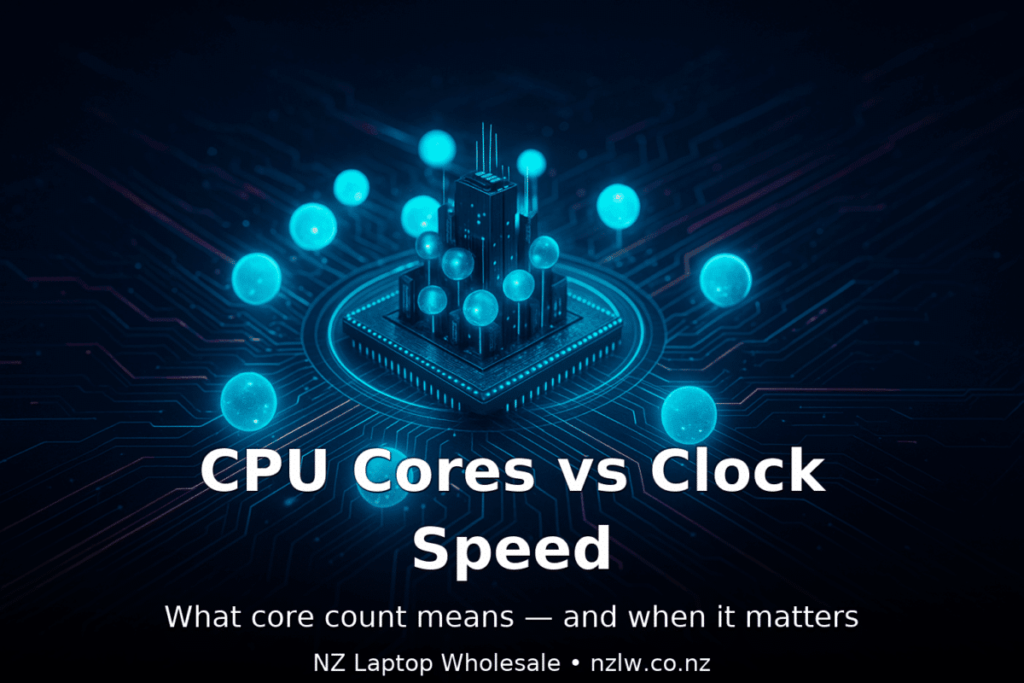
On each tick, a core pushes work along: pull in an instruction, work out what it means, do the arithmetic, write the result somewhere. Raise the tempo and everything moves through faster. That is the whole idea behind a bigger GHz number.
The figure itself is built from two smaller ones. A motherboard supplies a base clock, commonly 100 MHz, and the processor multiplies it. A multiplier of 20 against a 100 MHz base clock gives exactly 2 GHz. Overclocking is mostly a matter of raising that multiplier.
Older processors were rated in megahertz, meaning millions of cycles per second. The desktop crossed the 2 GHz line in August 2001 with a Pentium 4. Today that figure sits near the bottom of the range for anything sold as a full computer.
Does 2 GHz mean 2 billion instructions per second?
No. A cycle is a tick of the clock, not a finished instruction, and the two rarely line up one for one.
Simple work like adding two numbers can finish in a single tick. Division takes several. Anything waiting on data from memory can stall for dozens of cycles. Modern cores also run wide, which means one core can have several instructions in flight at once and finish more than one on the same tick.
How much a core gets done per tick is called instructions per cycle, or IPC. That is set by the design of the chip, not by the clock. Two processors running at the same 2 GHz can be far apart in real speed if one is built to do more per tick, which is exactly the gap between an old design and a new one.
The arithmetic makes the point. A core averaging two instructions per cycle at 2 GHz gets through 4 billion instructions a second. A core averaging half an instruction per cycle at the same 2 GHz manages 1 billion. Identical clock speed, four times the work.
Base clock or boost clock: which one is the 2 GHz?
A single figure like 2 GHz on a listing is almost always the base clock, the speed the chip is guaranteed to hold under a steady load. It is not the fastest that chip will ever run.
Processors change speed constantly. When only a couple of cores are busy and there is room in the power and heat budget, the chip climbs above base. Intel calls this Turbo Boost and AMD calls it Precision Boost. When almost nothing is happening, the same chip winds down to save power and can idle below 1 GHz.
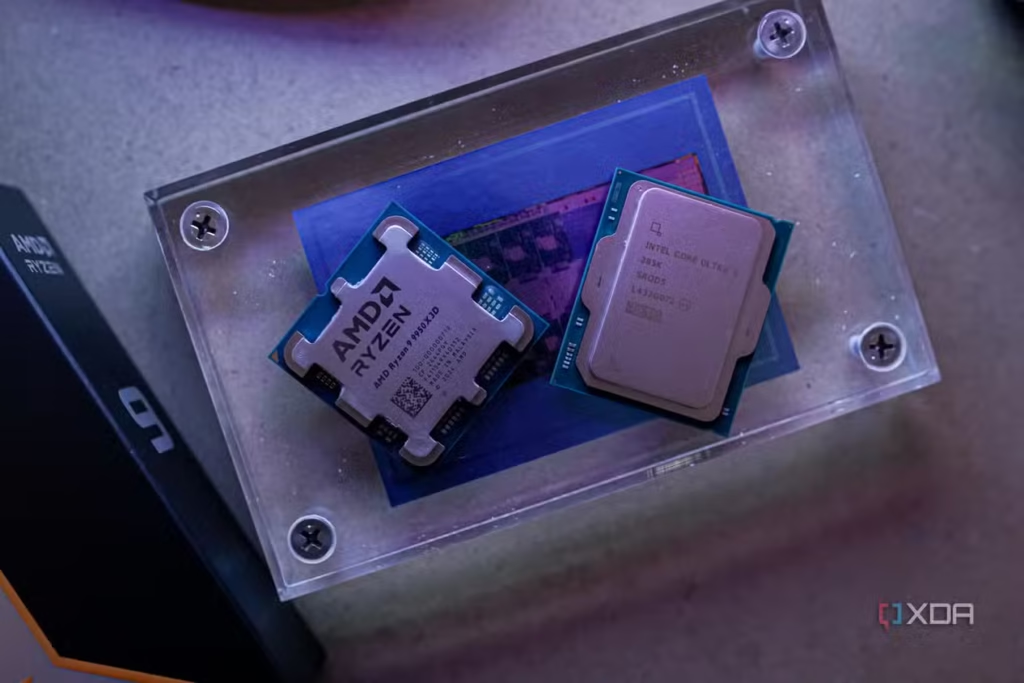
The spread gets wide at the top end. The Core i9-14900KS lists a 3.2 GHz base on its performance cores, 2.4 GHz on its efficiency cores, and a maximum turbo of 6.2 GHz. Both figures are printed for every chip, and there is more on how the turbo number is reached on Intel’s CPU clock speed page.
Compare GHz between chips in the same family and generation. Stretch the comparison across generations and it falls apart, because the newer design gets more done on every tick.
What 2 GHz does not refer to
Gigahertz shows up in a few places on a spec sheet, so it helps to know which line the number belongs to.
| Spec line | What the number measures |
|---|---|
| Processor, 2.0 GHz | Cycles the CPU clock completes each second |
| 8 cores | Separate units inside the CPU working at the same time |
| 16 GB DDR5-5600 | How much memory there is, and how fast it transfers data |
| 1 TB NVMe SSD | Storage capacity and the type of drive |
| Wi-Fi, 2.4 GHz and 5 GHz | Radio bands the wireless card uses |
That last row is the same unit doing a different job. A 2.4 GHz Wi-Fi band is a radio frequency and has no bearing on processing speed. Memory gets quoted in MT/s or MHz, storage in gigabytes plus an interface type, and network speed in megabits per second. Only the processor line is about clock speed.
Is 2 GHz fast enough?
For everyday work, yes, as long as the chip is recent and has a few cores. Windows 11’s minimum requirements ask for a processor of 1 GHz or faster with two or more cores, so 2 GHz clears the floor with room to spare.
Real hardware backs that up. The Raspberry Pi 5 runs a quad-core Arm chip at 2.4 GHz and drives a desktop, a browser and two 4K displays. Plenty of thin laptops sit around 2 GHz at base and climb past 4 GHz when a task asks for it.
There is a reason the number stopped climbing. Intel’s NetBurst design was aimed at very high frequencies and topped out at 3.8 GHz, because heat and power draw rise sharply as the clock goes up. Chip makers switched tactics after that, adding cores and squeezing more work out of every cycle instead of chasing gigahertz. That is why a 2 GHz base clock is still perfectly normal decades later.
Age matters far more than the figure itself. A single-core 2 GHz desktop chip from 2005 and one 2 GHz core in a laptop bought this year are not remotely the same machine, because the modern core does several times more work per tick and has company beside it.
What else decides how fast a computer feels
Clock speed is one input among several, and it is rarely the one you notice day to day.
Core count decides how much runs at once. Two cores at 2 GHz will struggle through a busy morning of browser tabs and video calls where eight cores at the same speed sail on. Cache, the small pool of very fast memory built onto the chip, keeps those cores fed so they spend less time waiting. Memory size comes next, since running out of RAM forces the system to shuffle data to storage, and that slows everything down at once.
Storage is often the single biggest factor in how quick a machine feels. A mechanical hard drive can make a fast processor feel sluggish at every startup and every file open, while an SSD covers for a modest CPU nicely. Graphics work goes to the GPU rather than the processor. And cooling decides whether a chip holds its higher speeds or slides back down under load.
How to check your processor’s clock speed
Your own machine will tell you in under a minute.
- On Windows, click Start and type System Information. Open it and read the Processor line. The model name ends with the base clock, written as something like 2.10GHz.
- For the live figure, open Task Manager with Ctrl + Shift + Esc, go to Performance, then CPU. Base speed is listed in the panel on the right, and the current speed sits above it.
- On a Mac, open the Apple menu and choose About This Mac. Intel Macs show a GHz figure. Macs with Apple silicon list the chip name, such as Apple M4, in place of a clock speed.
Watch the current speed for a moment and you will see it swing around. That is normal. Light work sends it down, heavy work pulls it up.
Frequently asked questions
Is 2 GHz the same as 2000 MHz?
Yes. One gigahertz equals 1,000 megahertz, so 2 GHz and 2000 MHz describe the same clock speed in different units. Older processors were usually listed in MHz because their clocks ran that much slower.
Is a 2 GHz processor good enough for a laptop today?
For browsing, documents, streaming and video calls, yes, provided it is a recent chip with at least four cores and a boost speed above 3 GHz. For gaming or video editing, judge it on boost clock and core count instead.
Why does my CPU show a different speed than the one advertised?
Processors change speed constantly. They drop low when idle to save power and climb above base when a task needs it, so the live reading in Task Manager rarely matches the number printed on the box.
Does a higher GHz always mean a faster computer?
No. It holds up within one family and generation, but a newer core at 2 GHz can beat an older one at 3 GHz by doing more work per cycle. Cores, cache, memory and storage all shape the result too.
Does 2 GHz ever refer to something other than the processor?
Yes. 2.4 GHz is also a Wi-Fi radio band, and graphics cards have their own clock speeds quoted in GHz. On a computer spec sheet, a plain 2 GHz beside the processor name is CPU clock speed.
Conclusion
2 GHz is a measure of processor clock speed: two billion clock cycles per second inside the CPU. It is not a memory figure, a storage figure or a network figure, and it is not the number of instructions the chip finishes each second. Treat it as one clue about a processor, useful mainly for comparing chips in the same family and generation, and check the core count, the boost clock, the memory and the storage before deciding how fast a computer will actually feel.
Related Post:
AMD Audio Drivers: What They Are and How to Install Them
What Is a Normal CPU Temp While Gaming?
Why Is My CPU Clock Speed So High? What It Means and When to Worry
RPCS3 CPU Tier List: Which Processor You Need for Smooth PS3 Emulation
Is Minecraft CPU or GPU Intensive? Here’s What Actually Runs the Game